Lens Artist Challenge #350 – Zooming

Anne challenges us this week with one of my all-time ICM (Intentional Camera Movement) techniques……Zooming. It’s fun, challenging and the results can be quite spectacular. You can learn more about the specific technique in Anne’s post.

It’s been a while since I played around with zooming, so when Anne’s challenge came out, I took the opportunity to take some new images. It took me a couple of shots to get the hang of it again, but I really like how these Lilypad images turned out.

In the first image below, I like how a single leaf is in focus and the rest of the leaves show increasing movement from there.

Creatively cropping your images can also give you some added depth and movement. The image below reminds me of a kaleidoscope.
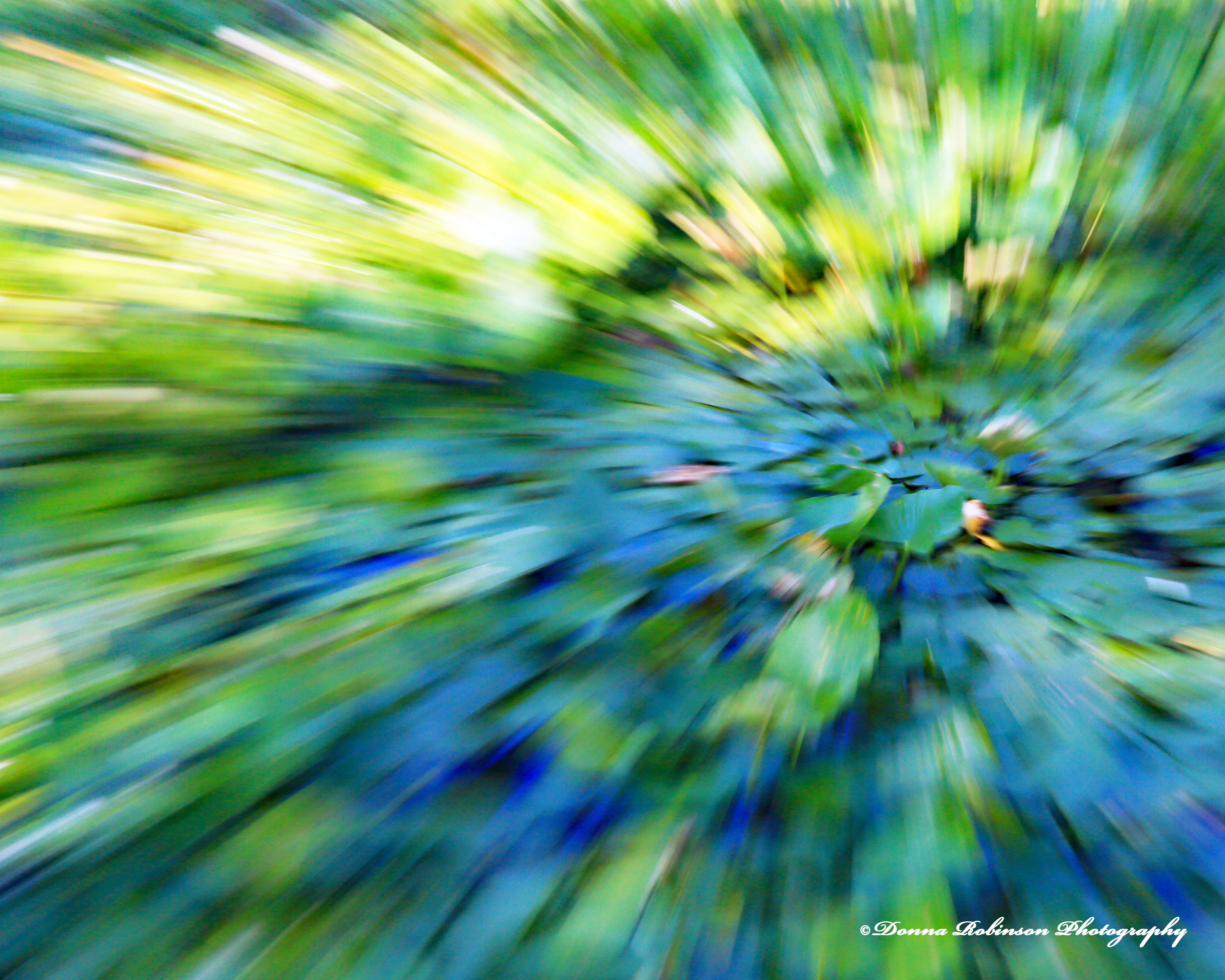
There are so many fun things you can do when editing your zooming images. In the photo below, I applied the “Orton Effect” and also added a little more blur. I like the brighter, dreamy look to the image on the right.
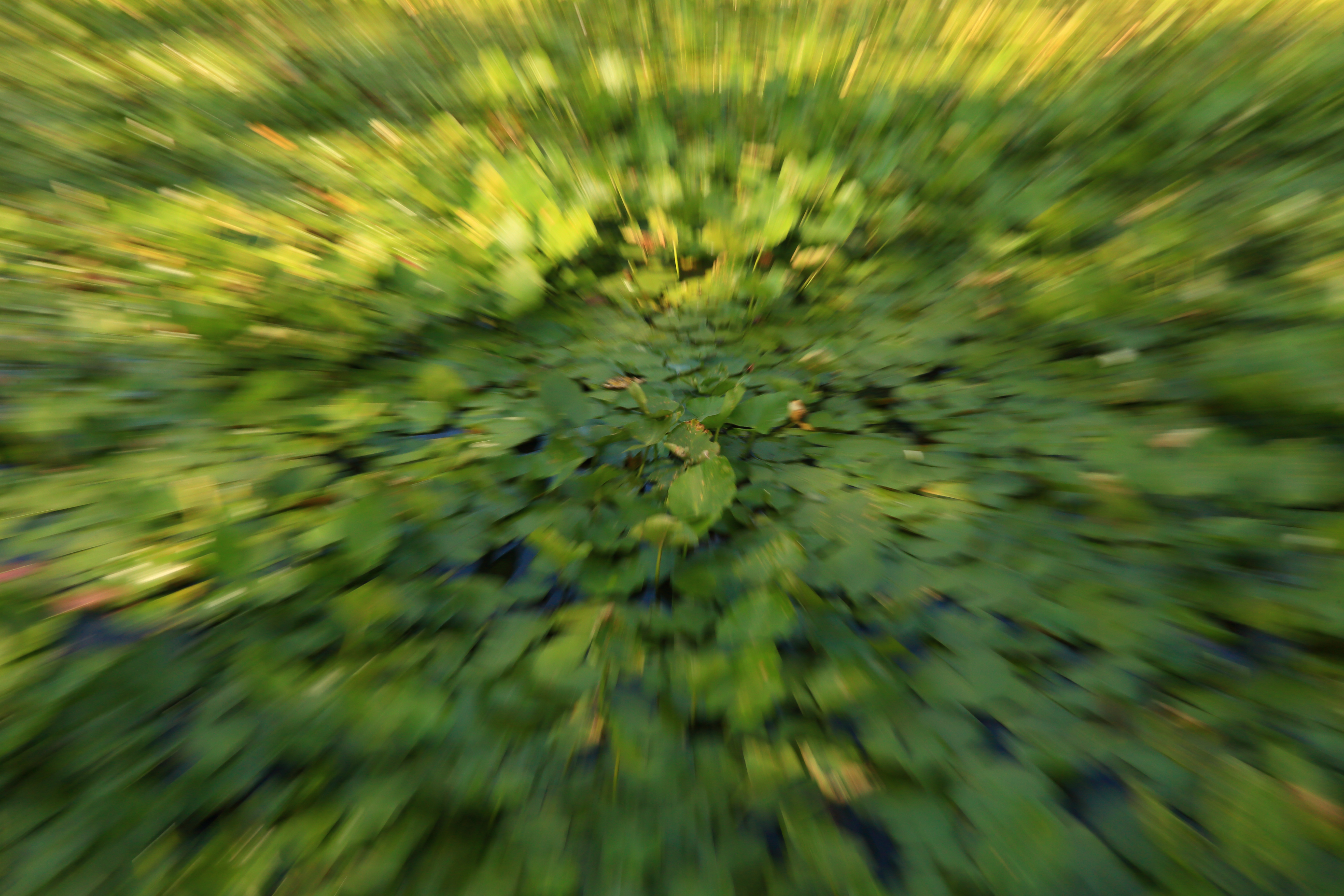
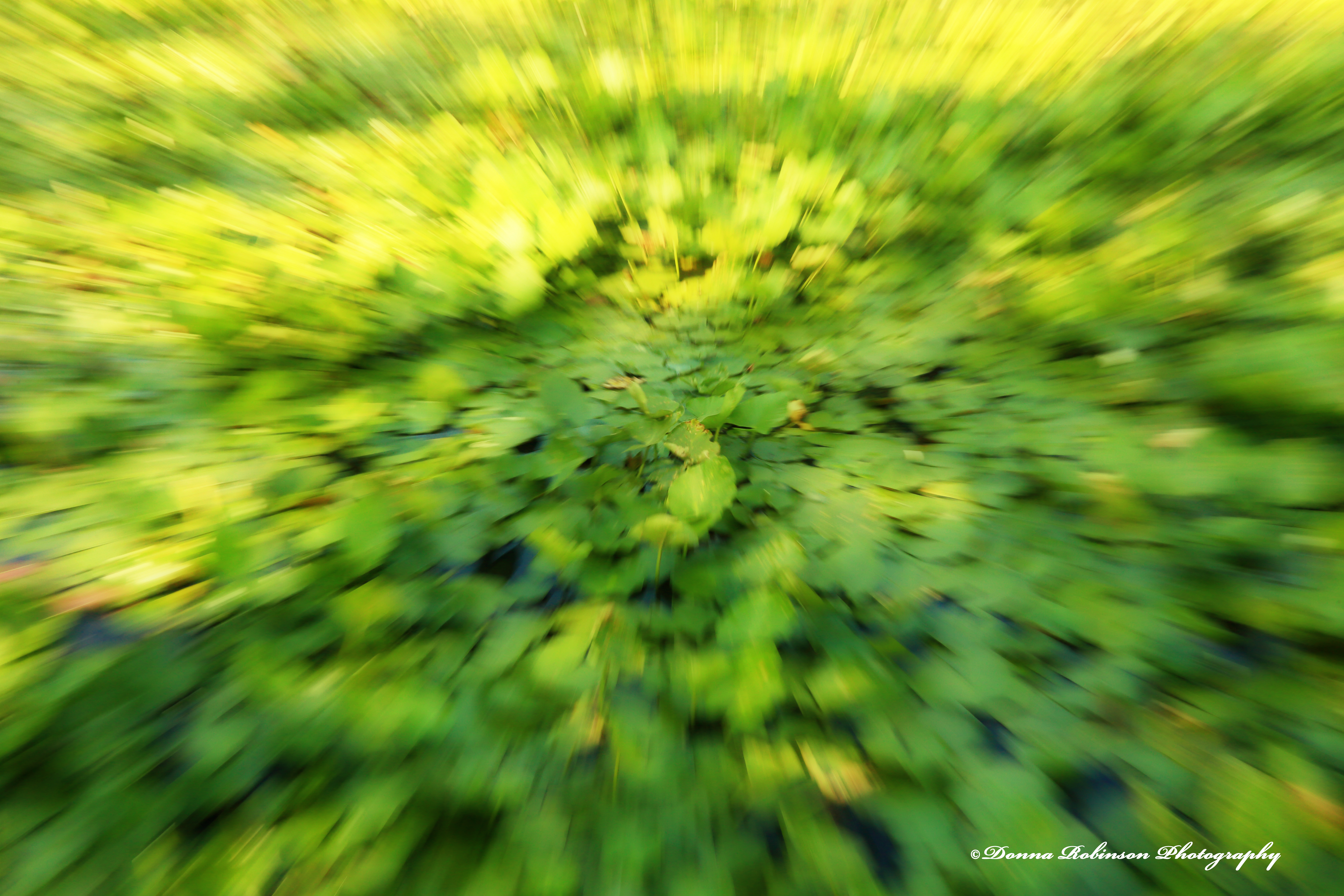
For my last image, I have cropped it a little differently and applied a “watercolor” texture. I feel like I’m in the middle of a wheat filed with the one on the right.
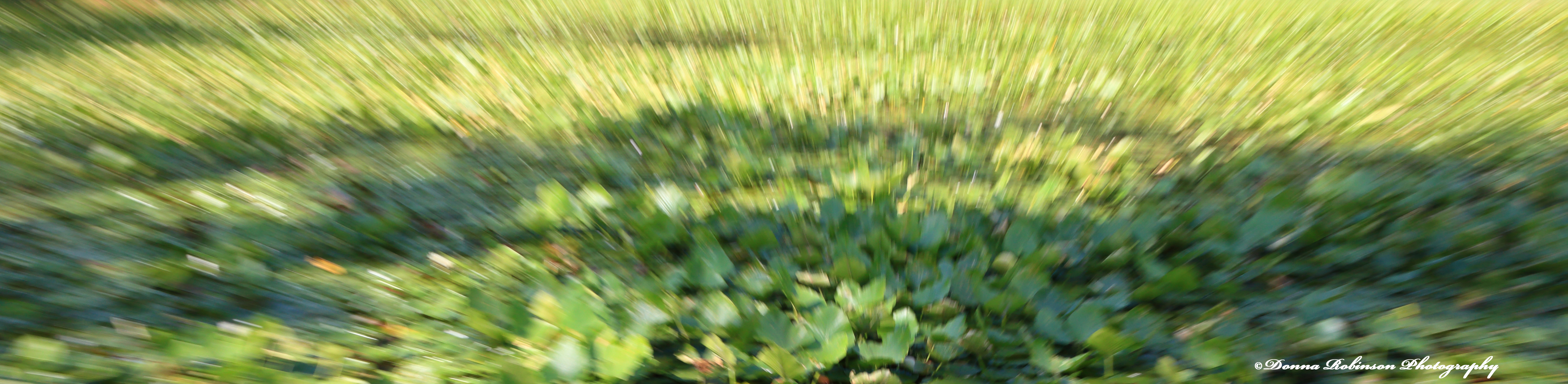
Thank you, Anne for the reminder of this fun technique. I can’t wait to keep applying it to other photos.

Ritva leads next week so be sure you’re subscribed to her site The World as I See It when she posts the challenge Saturday, noon EST.

Until next time,

~donna

The Magic Lantern – “Zooming”

For this week’s “The Magic Lantern” theme, I thought I would share something I learned several years ago, called “zooming.”  It’s a fun technique that transforms any image into a kaleidoscope by adjusting your shutter speed to just the right timing (somewhere between 1/2 second and 1/5 second) rapidly “zooming”  your lens in/out on the subject as you click the “shutter release” button. The outcome can be pretty incredible creating a totally new work of art.

Here is one of my first images I took for a photography class.  It’s a picture of an oil painting of Havana, Cuba which was given to me and my husband from one of his co-workers who had traveled back to Cuba to visit her family.

IMG_2068  Zomming Havana

Havana, Cuba – Shutter Speed 1/5 second; f-stop 7.2; ISO 200

It’s been several years since I took the above photo, so I was a little apprehensive about writing this blog and how my photos would turn out.   But, after a few failed attempts…hang on…….these are pretty bad:

I finally began to get the hang of things……and ended up with a few photos I like:

IMG_0816 022116 Bird Food Zooming

Bird Seed – Shutter Speed 1/5 second; f-stop f/22; ISO 200; Exposure Bias -3.7


IMG_0781 022116 Zooming Loquat

Loquat Fruit – Shutter Speed 1/2 second; f-stop f/22; IS 200; Exposure Bias -3.7


IMG_0813 022116 Bird Food Zooming

Bird Seed – Shutter Speed 1/5 second; f-stop f/22; ISO 200; Exposure Bias -3.7

I took these photos in “TV Mode” and spent a lot of time messing with the “Exposure Bias.”  You’ll see in the above captions that the “Exposure Bias” for each was in the negative zone making the colors dull and dark.  Hopefully, once I open them up in the editing program I will be able to push the colors and saturation to make them pop.

If  you’re going to try “zooming” I would definitely recommend that you go straight to “Manual Mode” so that you can adjust both “Shutter Speed” and “Aperture” without having to spend a lot of time reducing the “Exposure Bias.”   Also, don’t get frustrated if you can’t get the hang of it right away…..just go with it and have some fun…..you will be surprised at the images you will create.