Lately, Saturdays are for day trips. They get us out of our weekly routine and provide us an opportunity to explore small towns around us. A few weeks ago, we hit a couple of places, but ended up in one of our favorite spots for “antiquing,” which is in Woodbury GA. It’s about 35 – 40 miles from us and we can take backroads all the way.
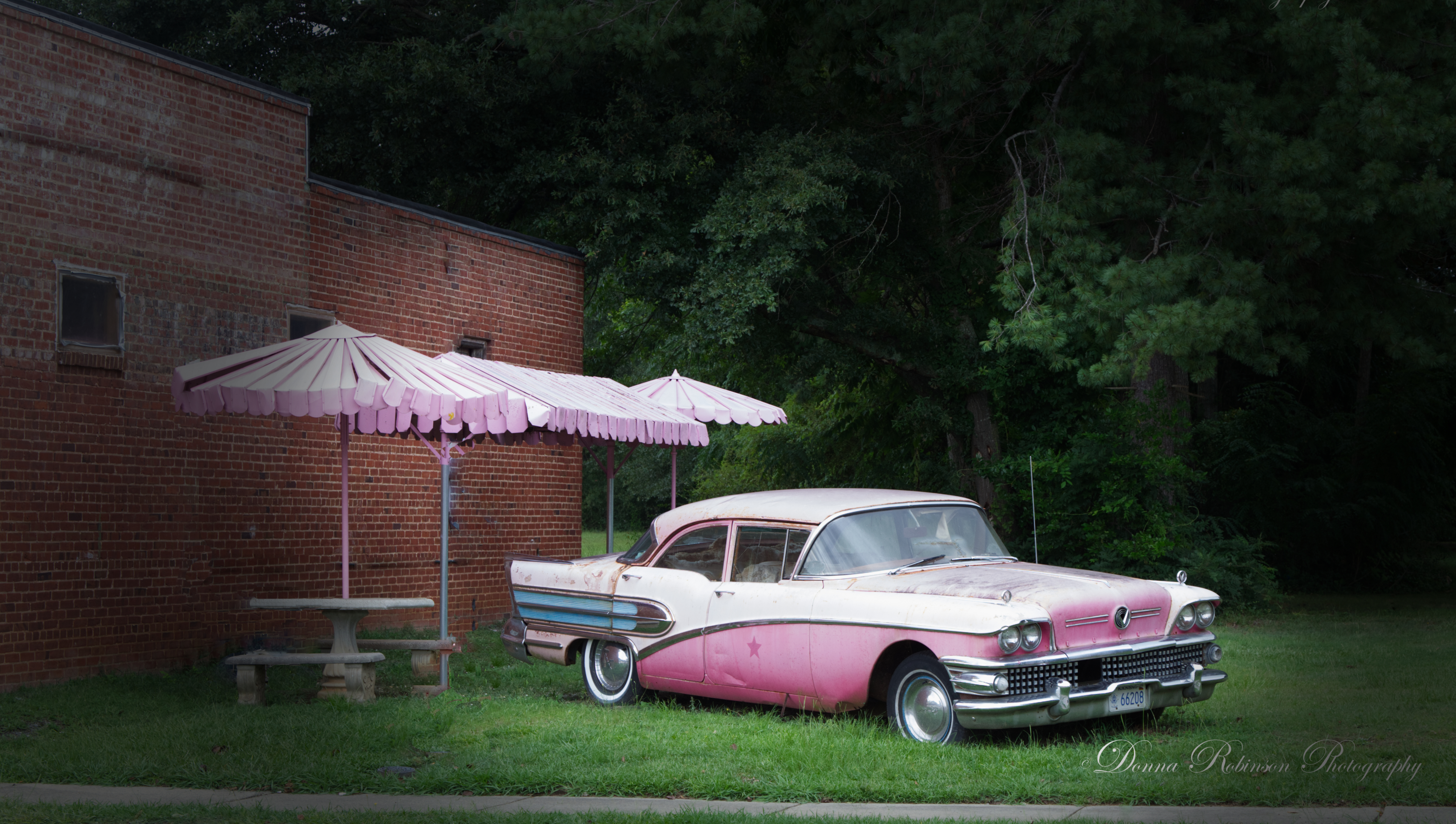
Sitting just outside one of the antique shops is this old pink Buick. There are no signs telling us why it’s even there. It’s just there. I suppose a backstory exists because the pink, metal umbrellas look as though they are from the same era. Whatever the case may be, it lent itself to a cool shot and, an opportunity to start a free trial with Affinity Photo 2.
I mentioned in my last post, (31 Days of July – Reaching Over Your Shoulder) I had purchased a new laptop and was extremely frustrated with Adobe because they wouldn’t let me load up my Photoshop Elements software without upgrading and paying a huge subscription fee. I remembered that a fellow photographer (LEANNE COLE – Trying to live a creative life) had mentioned she had used Affinity Photo 2 for an alternative editing tool in one of her posts, so it was definitely top of mind as an option.
So, off I went, pouring through YouTube videos trying to understand and compare to Photoshop. After several demos and seeing they had a one-time (no subscription) fee, I couldn’t resist giving it a try. Fortunately, through Microsoft Store I was able to download a 7-day free trial. It’s very user friendly, with similarities to Photoshop making for an easy transition. What I really liked were the tutorials which are comprehensive, yet easy to follow along and learn.
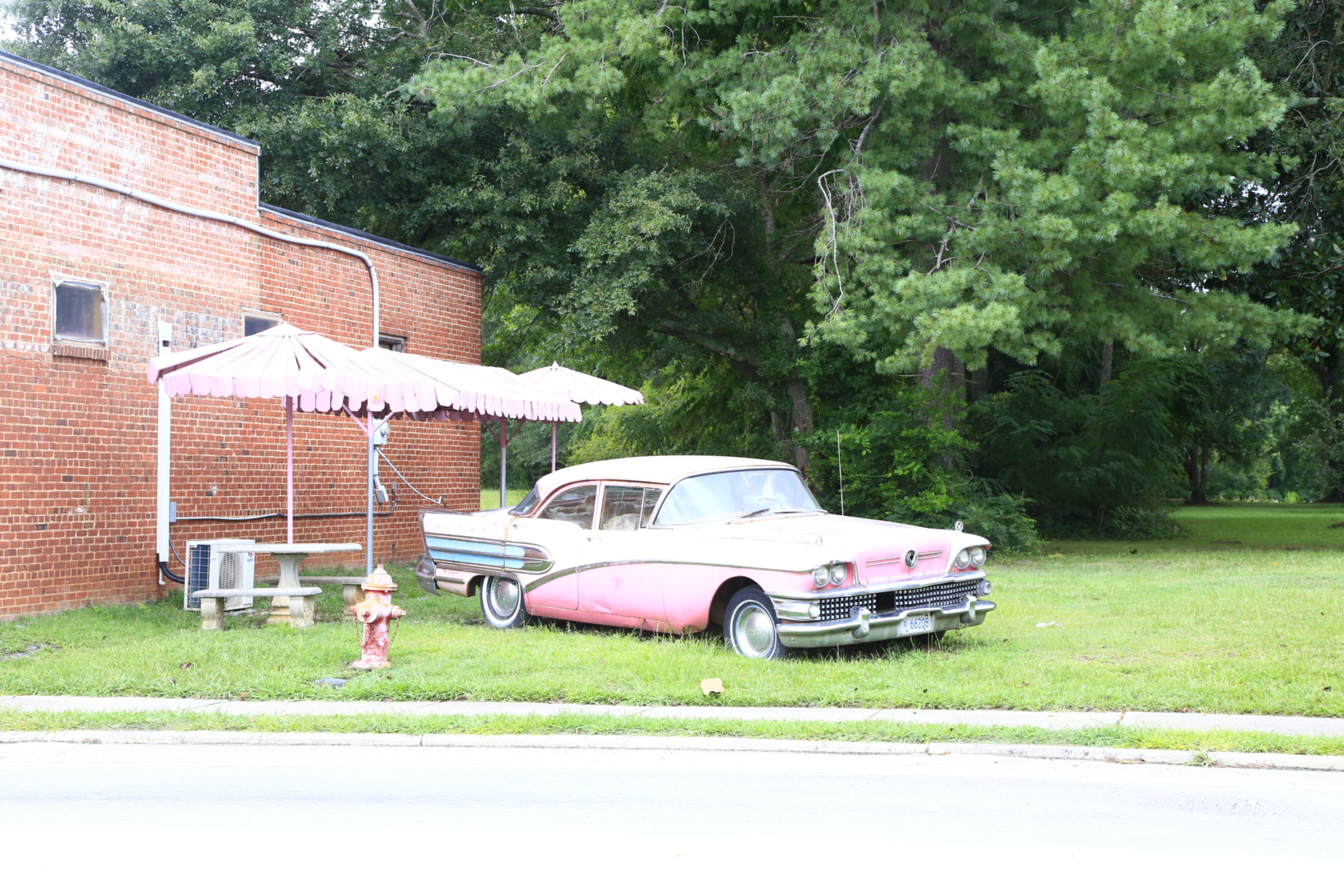
So, how did I do with my first photo editing in Affinity? Let’s get back to the pink Buick. Below left is the original shot. I had to be quick, and it turned out overexposed. I also didn’t like all the distractions on the brick wall, the trash on the ground or the fire hydrant. I suppose I could have left the fire hydrant in the shot, but the angle of the photo made it look like the umbrella pole was coming up through it.
As you can see on the shot to the right, the distractions have been cleaned up, the exposure and color levels have been adjusted to better compliment the details of the car and I applied a vignette mask. This was my first time using a mask tool and it was very easy to do after watching the Affinity tutorial on Vignettes.
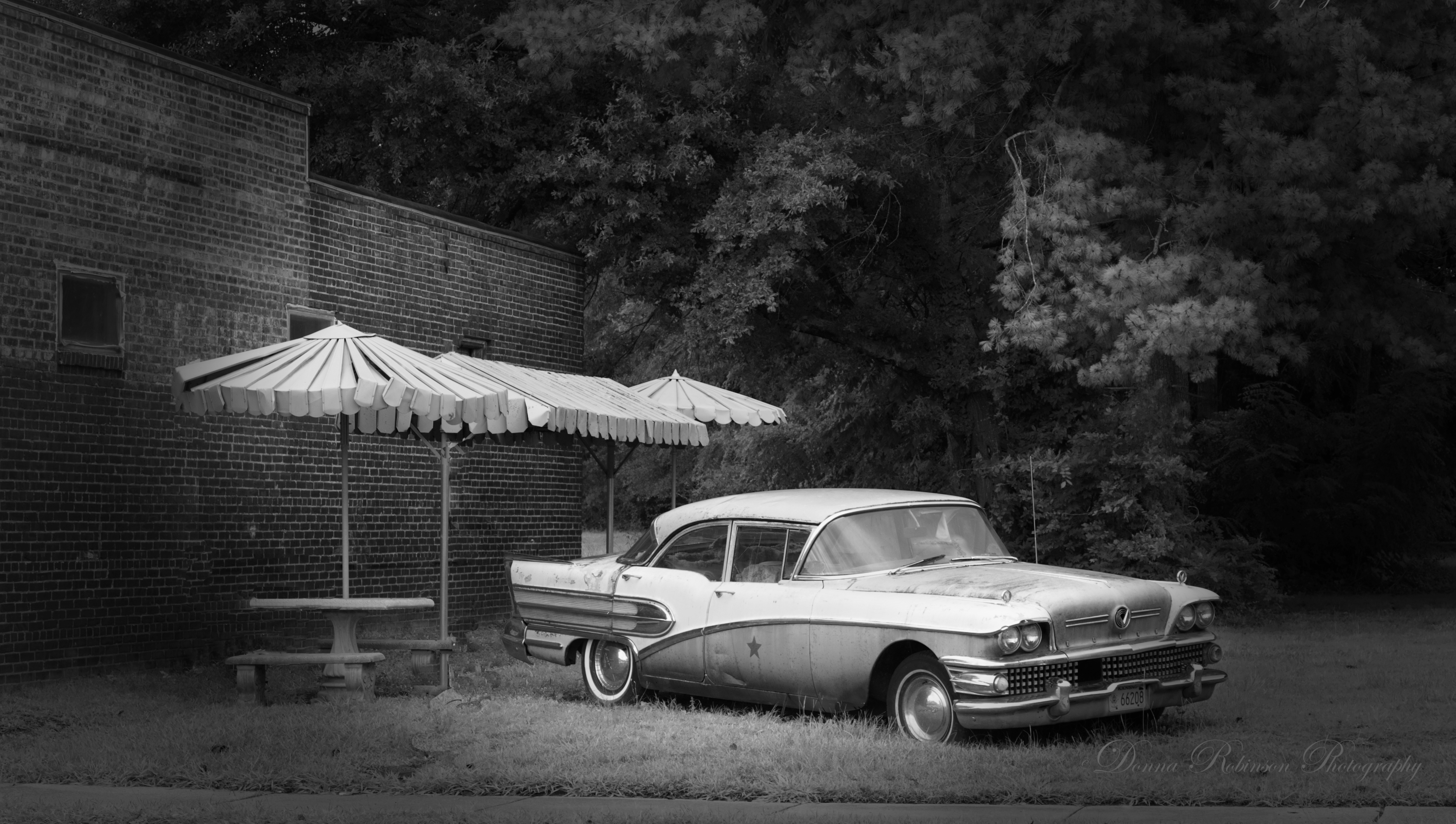
I made one last edit and created a black and white version. A nice shot, too but since this post is about a pink Buick, the color version tells a better story.
All in all, I was very satisfied with the Affinity editing tool and purchased the photo module. There are three (3) modules I could have purchased for a reasonable price: photo, publishing and designer. But I felt for what I do with photography and blogging, I only needed the photo module.
After working with this image, I had the opportunity to take family portraits for our neighbors. I was a little slow with the edits, but in the end happy with Affinity as my new editing tool. Now it’s time to get back to taking photos.
Until next time,
~donna
 Donna Robinson Photography