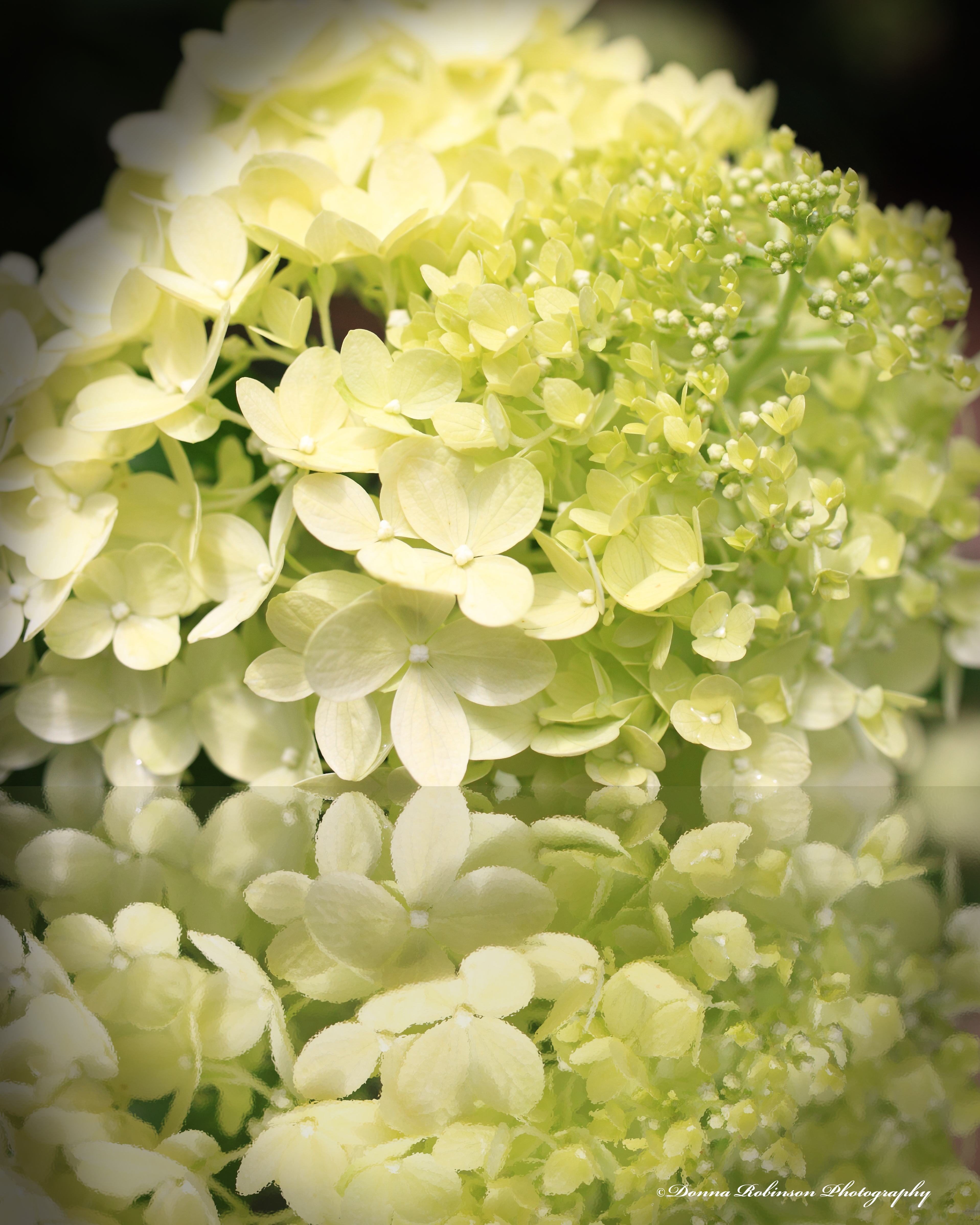
“Adopt the pace of nature. Her secret is patience.”
~Ralph Waldo Emerson
“Adopt the pace of nature. Her secret is patience.”
~Ralph Waldo Emerson
Anne challenges us this week with one of my all-time ICM (Intentional Camera Movement) techniques……Zooming. It’s fun, challenging and the results can be quite spectacular. You can learn more about the specific technique in Anne’s post.
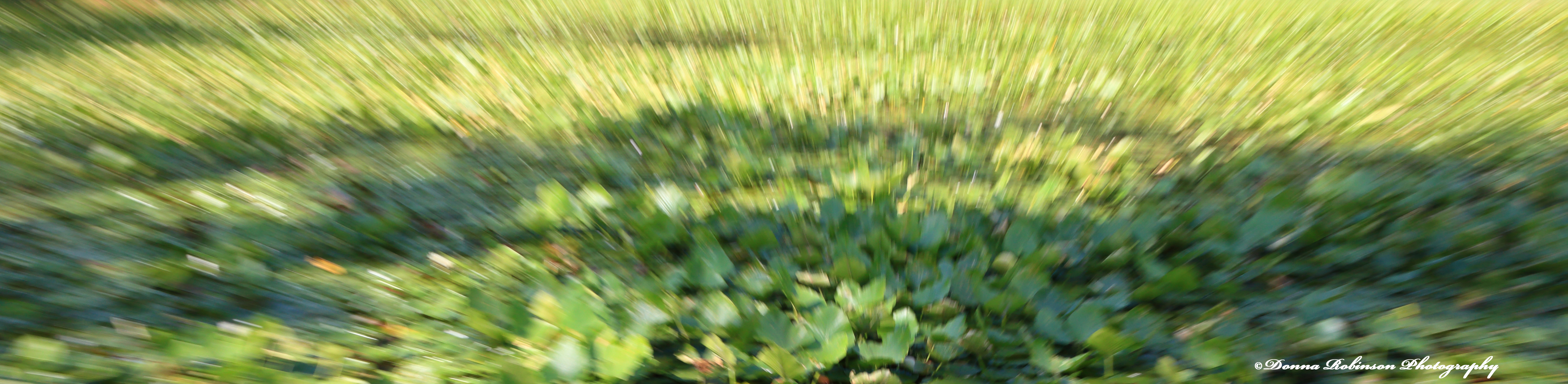
It’s been a while since I played around with zooming, so when Anne’s challenge came out, I took the opportunity to take some new images. It took me a couple of shots to get the hang of it again, but I really like how these Lilypad images turned out.
In the first image below, I like how a single leaf is in focus and the rest of the leaves show increasing movement from there.

Creatively cropping your images can also give you some added depth and movement. The image below reminds me of a kaleidoscope.
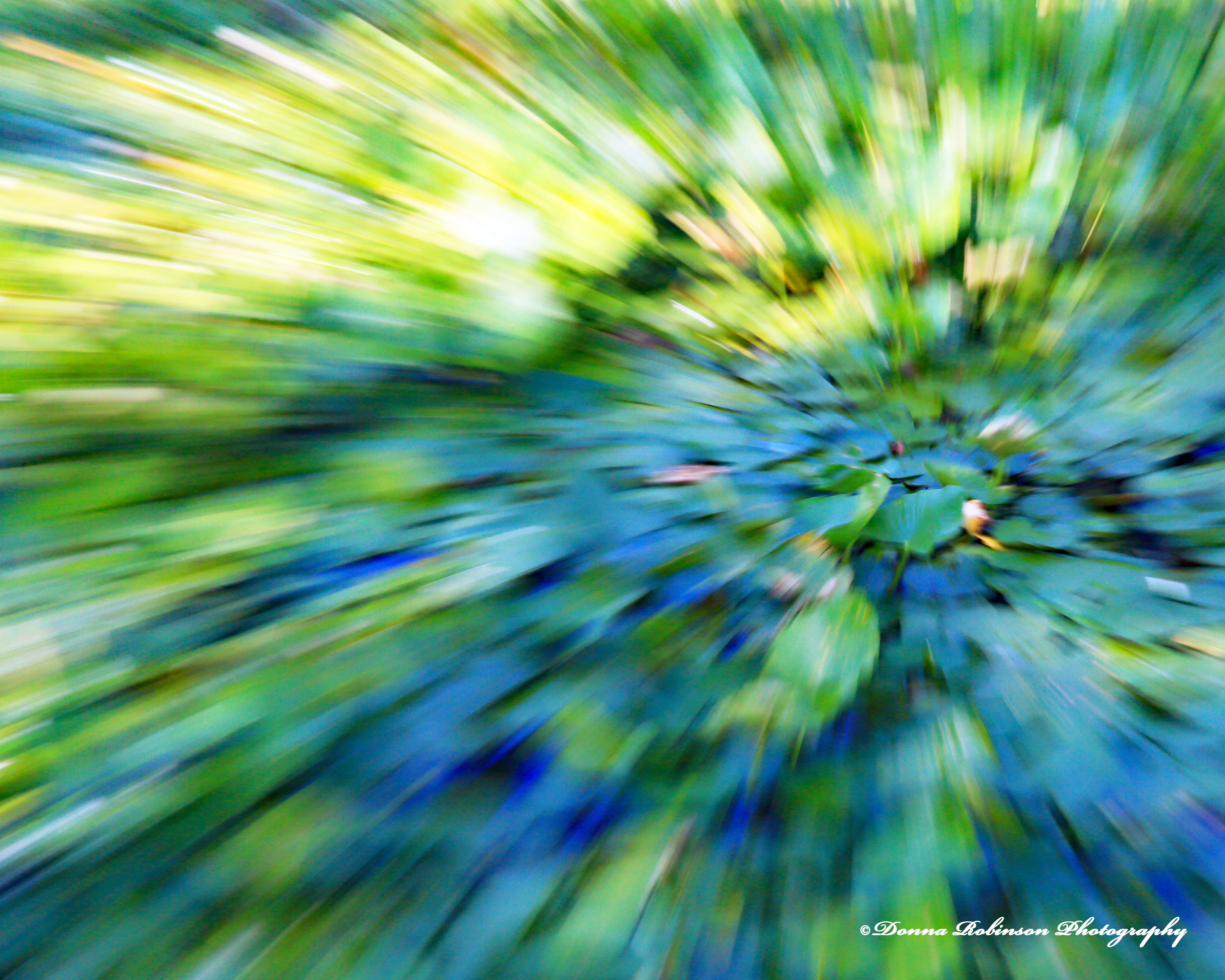
There are so many fun things you can do when editing your zooming images. In the photo below, I applied the “Orton Effect” and also added a little more blur. I like the brighter, dreamy look to the image on the right.
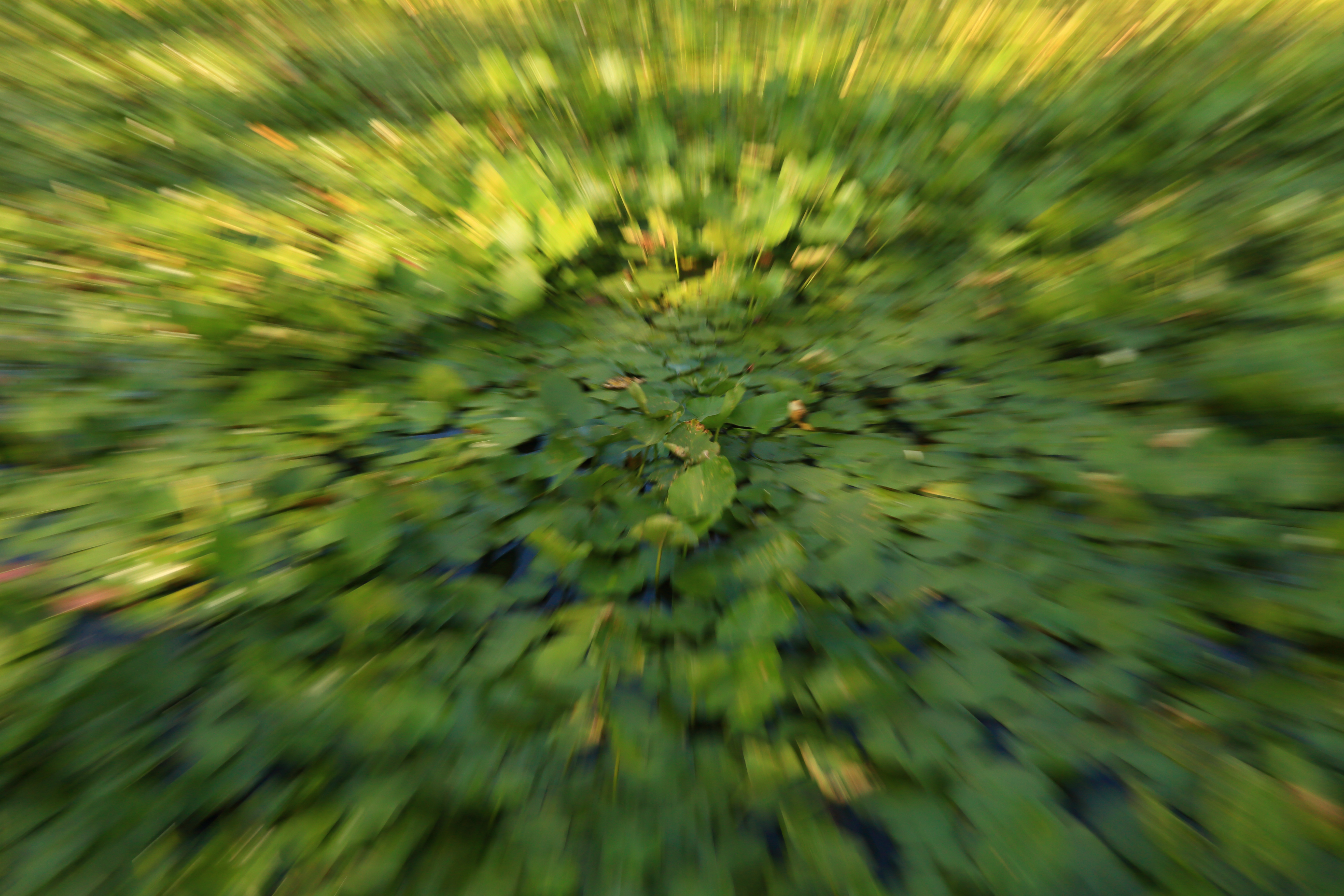
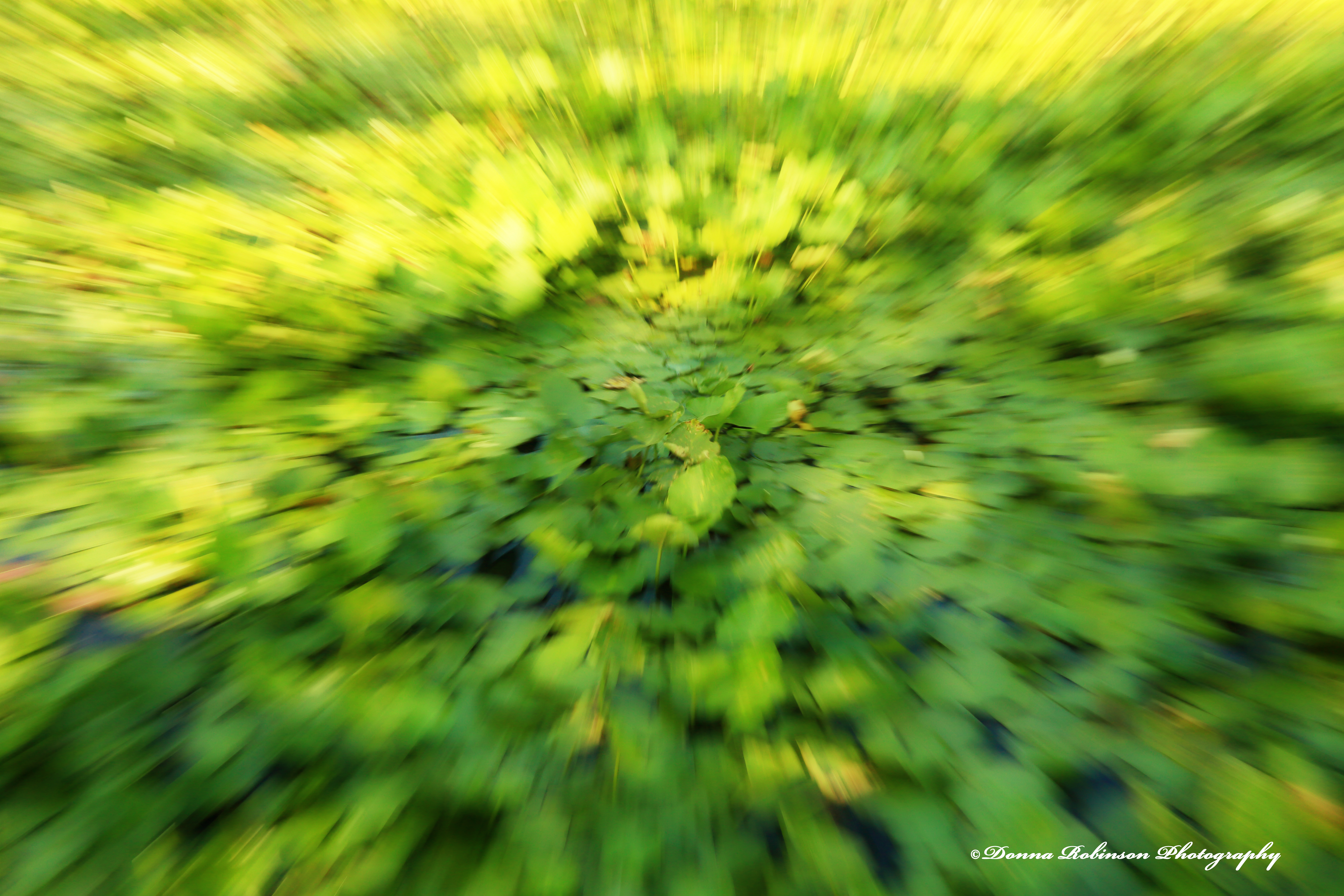
For my last image, I have cropped it a little differently and applied a “watercolor” texture. I feel like I’m in the middle of a wheat filed with the one on the right.

Thank you, Anne for the reminder of this fun technique. I can’t wait to keep applying it to other photos.
Ritva leads next week so be sure you’re subscribed to her site The World as I See It when she posts the challenge Saturday, noon EST.
Until next time,
~donna
I may have mentioned that I rarely take my camera with me on our daily walks. They’re long and the camera gets to be a little much to carry at times, especially when it’s hot. Thankfully, I always have my cell phone to capture our encounters with Mother Nature.
One day, a couple of weeks ago as we were heading back to the car, I heard a rustling noise. I knew it wasn’t a squirrel or bird because it was more of a slow-moving rustling and sounded like something crawling over and through the brush. I looked to my right and saw a huge turtle. The huge kind of turtle you approach cautiously. I pulled out my phone and snapped off a couple of photos. He just sat there, patiently not moving.
“Take a walk with a turtle and behold the world in pause.”
~Bruce Feiler
The original photos were fine, but I knew I could make them a little better in Photoshop Elements.
With both photos I first cropped them and then removed the haze. This made them a little sharper and gave them each more defined/richer colors. I then used the Depth of Field Tool, the Orton Tool, the Vignette Tool, added a few color corrections and eliminated some brush that was a distraction to the eye (I’ve used the “compare slider” to help you see the before and after).
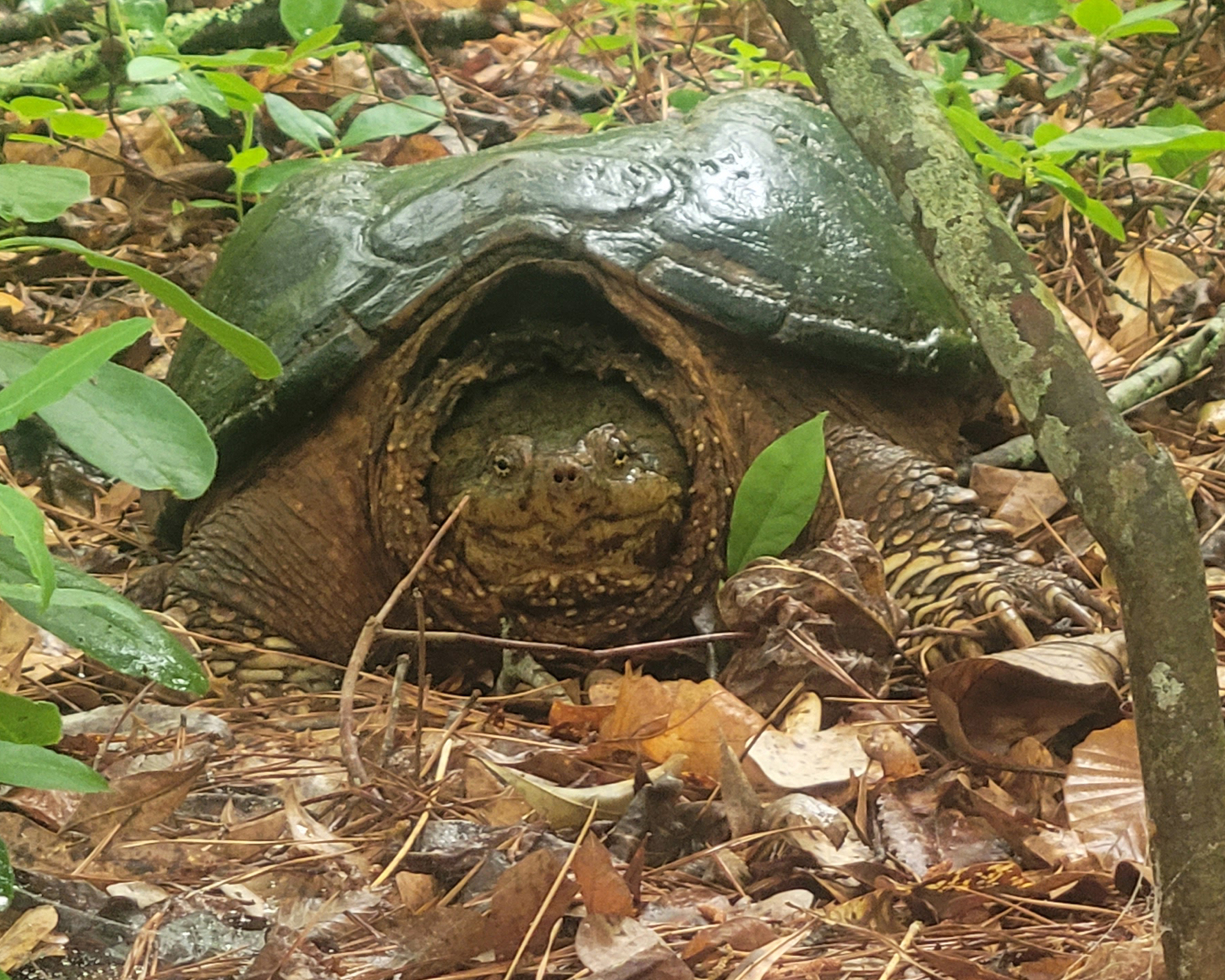


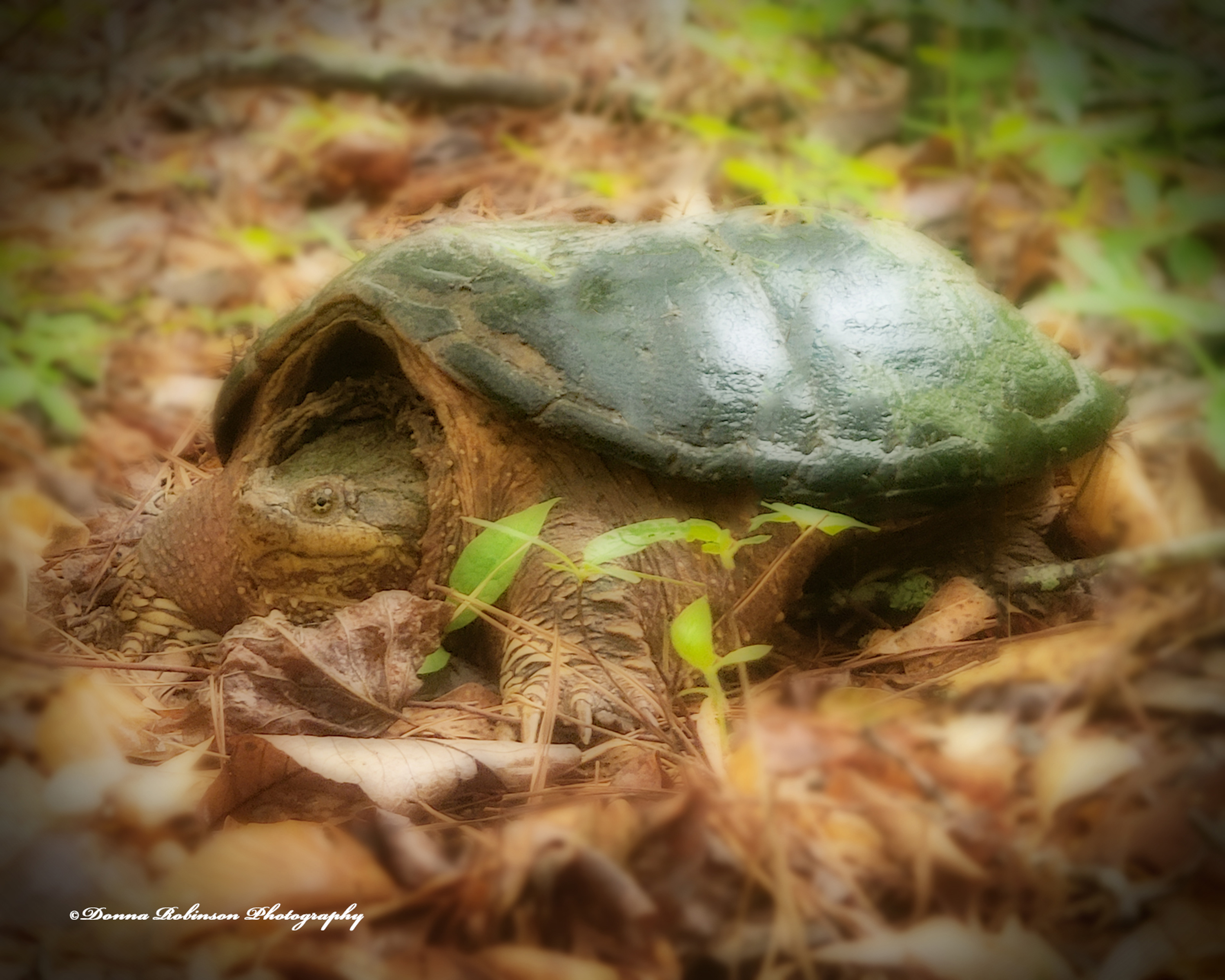
I really like how these turned out as the turtle has a “fairy tale” look about him. What do you think?
Posted for Journeys with John Cell Pic Sunday.
Until next time,
~donna
“There is nothing in the world so irresistibly contagious
as laughter and good humor.” ~Charles Dickens
Tina leads this week and invites us to share some humor with our photos, by providing our first reaction. Many times, when I capture photos of birds or animals, I already have some catchy caption in mind. Follow along and you’ll see what I mean.
Let’s talk about horses. Those wonderful, graceful creatures that have deep souls and sometimes quirky personalities:

Who says birds have to be “of a feather” to flock together?
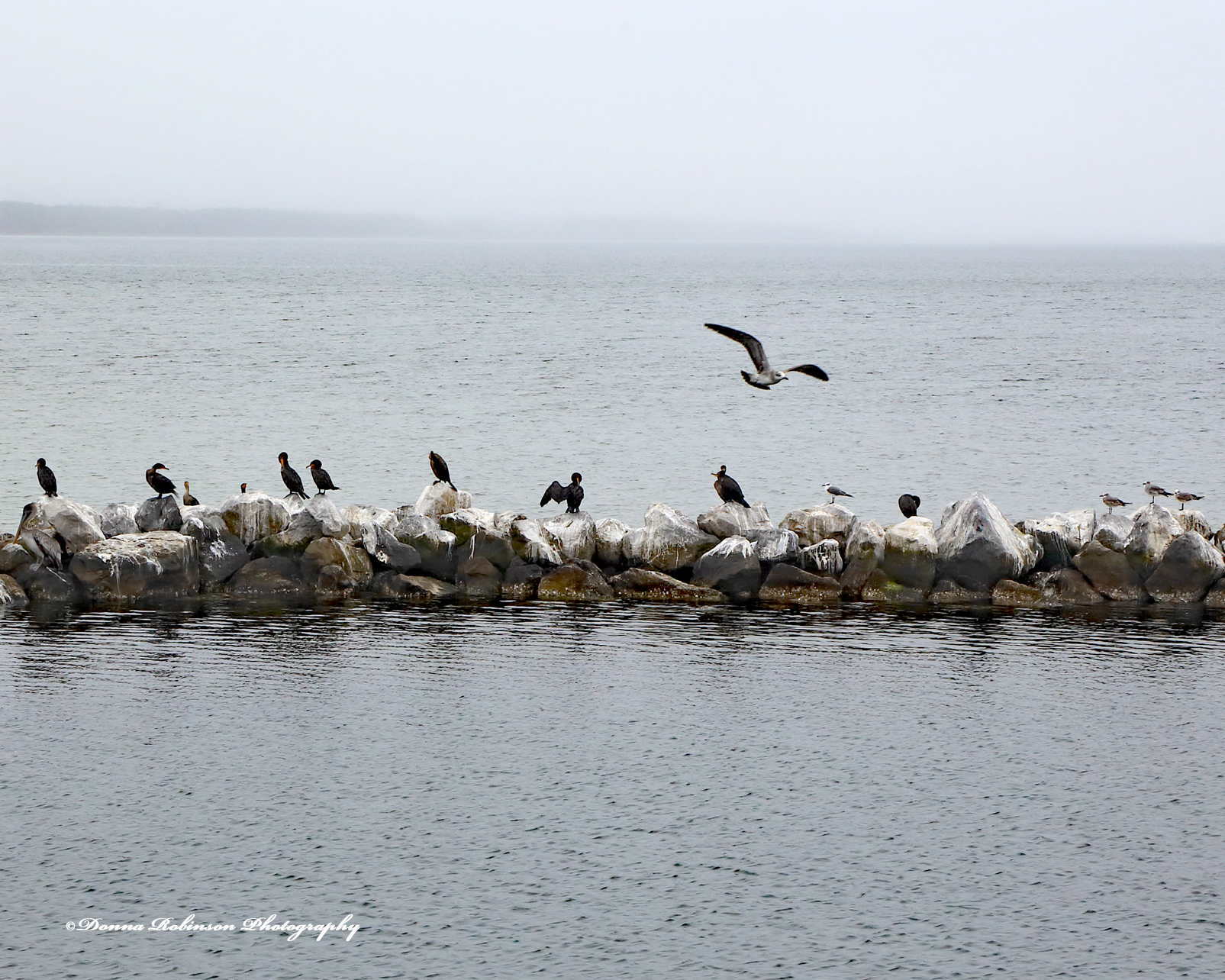
Perhaps they’re also a little on the shy side and like hanging out by themselves, especially during bathtime.

“If we couldn’t laugh we would all go insane.”
~ Robert Frost
Let’s not forget the chipmunks. We could sit for hours watching them scurry around the yard gathering food.
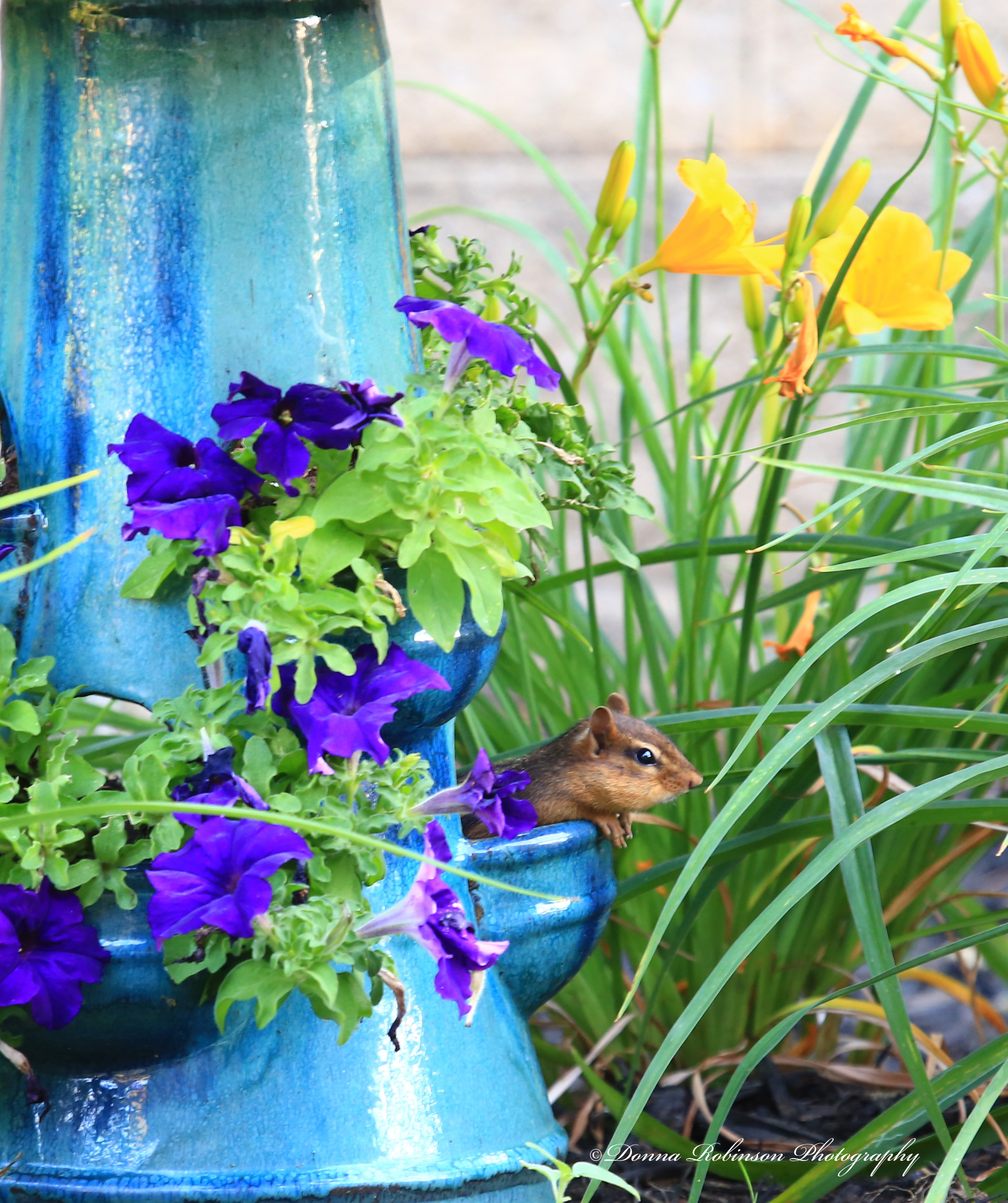
Dogs do the darndest things, too!

Thank you, Tina for encouraging us to find the humor in our images.
If you’d like to participate in this week’s challenge, be sure to link back to Tina’s original post and use the Lens-Artist Tag.
Anne from Slow Shutter Speed leads next week challenge.
Until next time,
~donna
Did someone say, “break the rules?” Why, YES! Yes, they did! Ritva leads this week, and she is challenging us to break the rules of photography! As Ritva goes on to say in her challenge, “Photography is as much about emotion and instinct to me as it is about technical skill. In those moments when we abandon the constraints of traditional guidelines, we open ourselves up to unexpected and beautiful outcomes in my case many times by mistake.”
So, what rules have I broken?
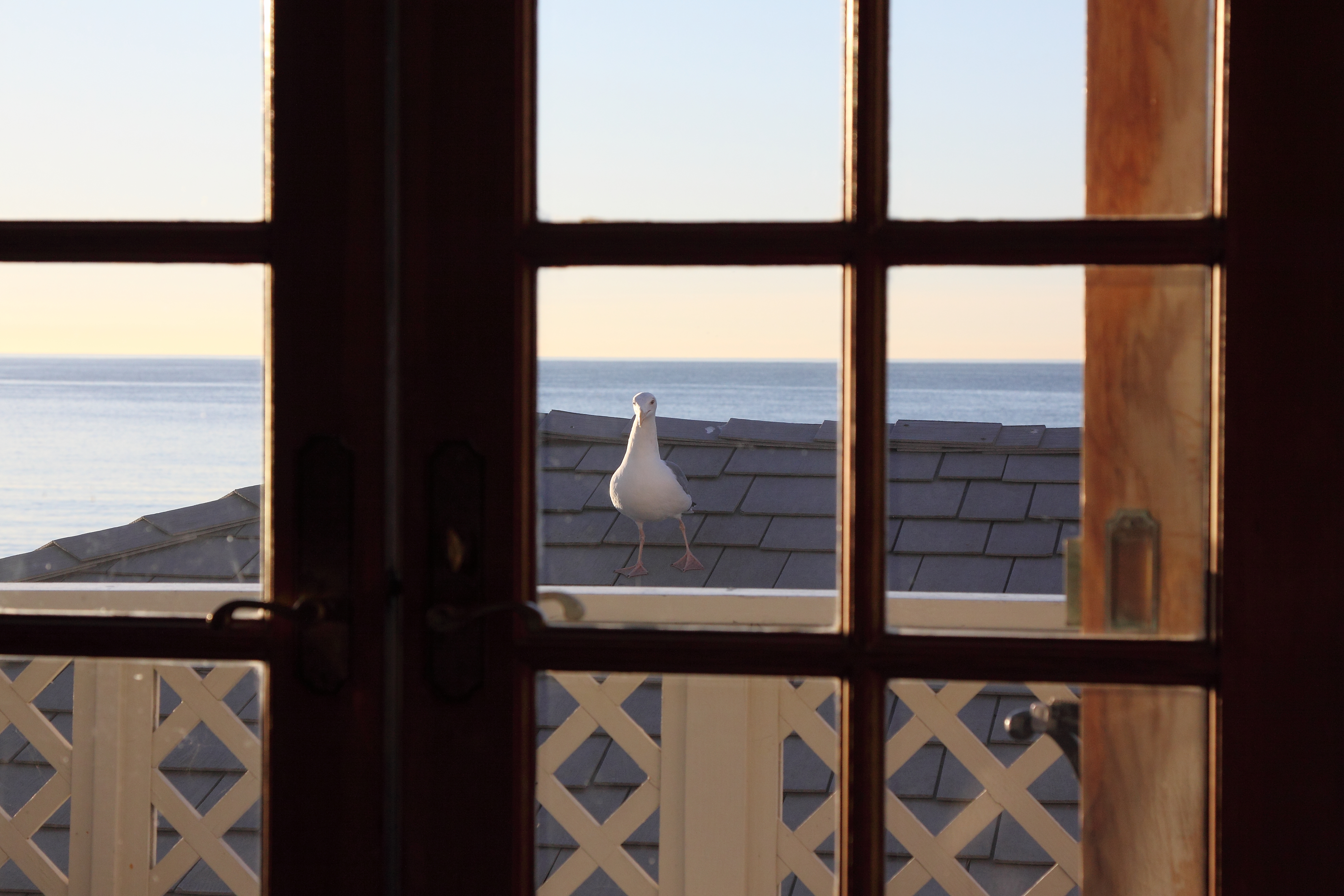
Perfect Patterns: This little seagull greeted us one morning when we were in Malibu many years ago. He was so cute, and I couldn’t resist taking the photo before he flew away. Goodness knows I wasn’t even thinking about the rules I was breaking (look at all the squares, lines, rectangles and diamonds). I just wanted the shot.
Rule of Thirds: Next up, a macro shot gone bad. During a visit to the Atlanta Botanical Gardens, I was experimenting with my new macro lens. I don’t remember what type of plant this was, I just saw an opportunity to practice shooting macro from a top-down view of the bud. The end result looks a little bit like something floating in outer space. I still thought it was a pretty cool shot, so I kept it.

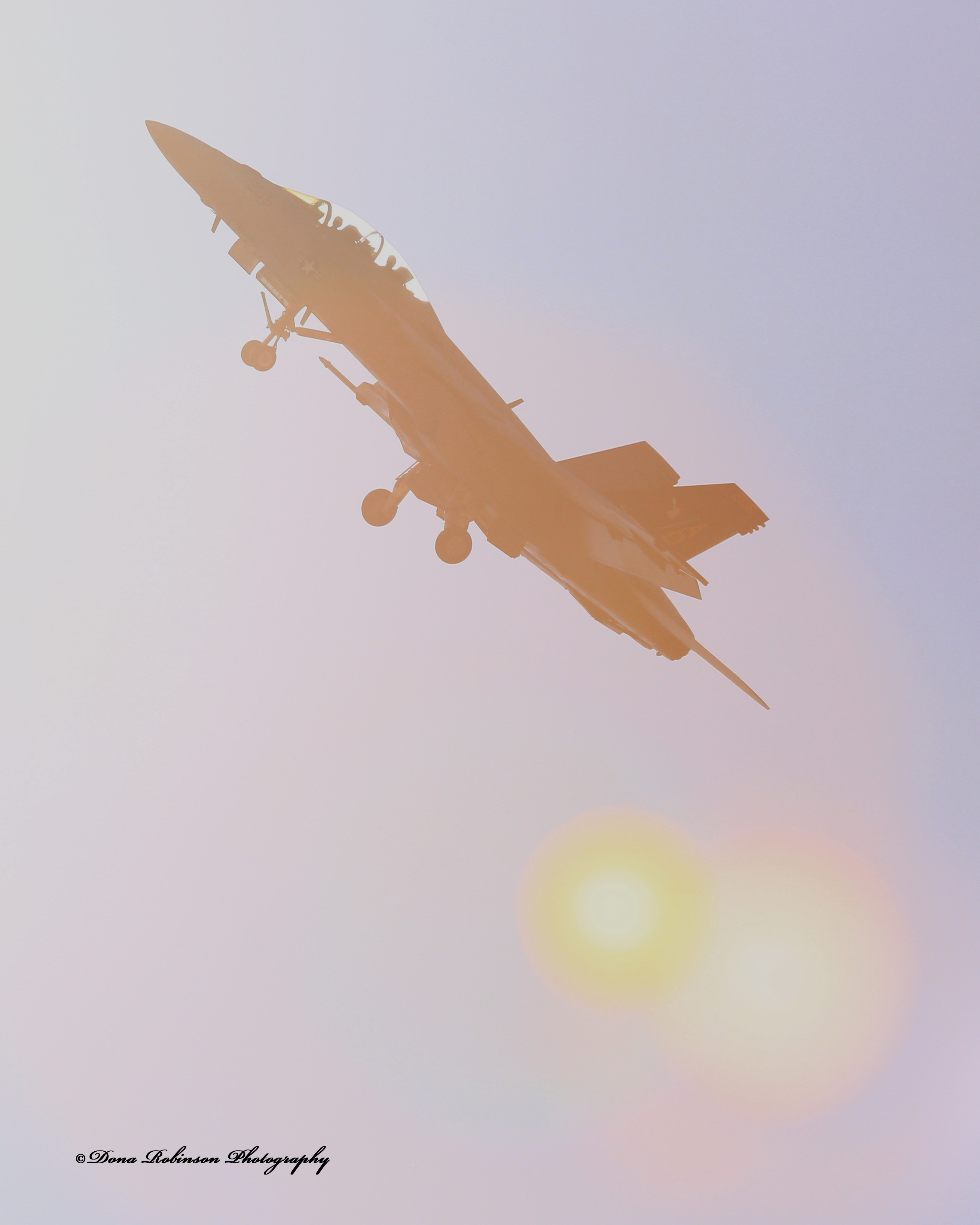
Don’t Shoot into the Sun: A very BIG rule was broken on the next image, but quite honestly it couldn’t be helped. When you’re lucky enough to have an airshow fly directly over your house you have no time to think and have to be very quick with your shot. Because they are flying directly above you, it’s almost impossible not to shoot into the sun. What really works about this image is the silhouette of the pilots.
Blurry Photos: My last image of broken rules was a poor attempt at catching a Mourning Dove bathing in the bird bath. Instead, he took off and I caught him in mid-flight. Yep, the image is blurry, but do you see what I see?

What photography rules have you broken lately where you opened yourself up to an unexpected and beautiful outcome?
Be sure to check-out Ritva’s original post to view her wonderful examples of broken rules. Next week, Edigio (Through Brazilian Eyes) leads.
If you want to know more about the Lens-Artists Challenge, please click here.
Until next time!
~donna
I have to admit, I don’t think I’ve ever consciously thought about shooting cinematic photos. But after reading Sofia’s challenge and pouring through my archives I found that sometimes my photos do have a “cinematic” feel to them. Sofia writes, “There are a few things that give a photo that cinematic feel: camera angles, bold and high-contrast colors, light, locations, just to name a few. The main objective is to take a shot that is part of a story, there’s mood and a sense of location; our image is but a snapshot of a much wider situation.” You can read Sofia’s challenge, here.
So, what did I uncover in my archives? Let’s take a look.
I’ve always loved this photo. It was taken during a sunrise over Atlanta, probably during the Fall season, because of the mist rising from the Chattahoochee River. I love the varied colors and how the sun gives them a slightly golden tone. This photo could easily be an opening or closing scene in a movie.

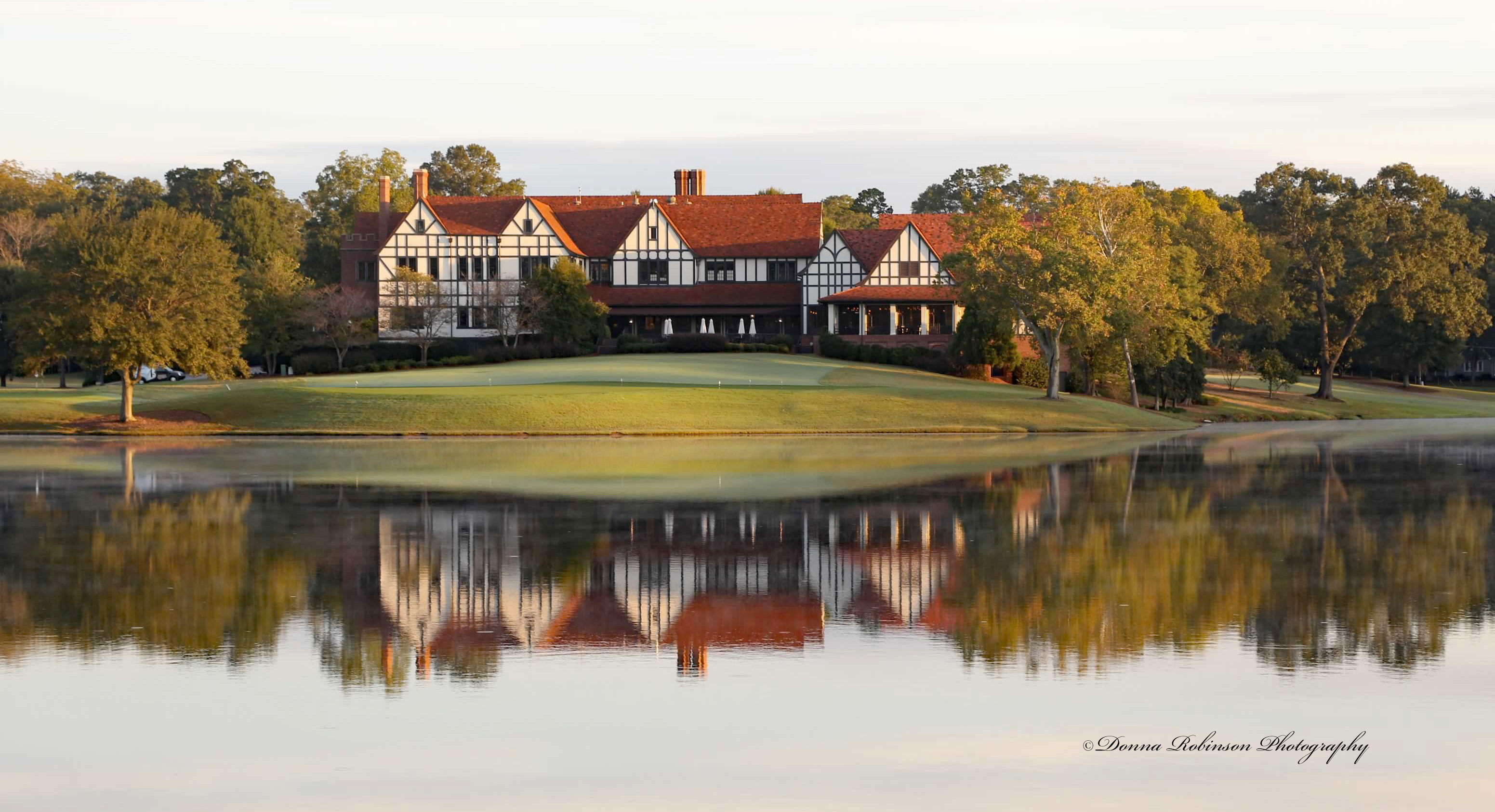
How about a shot of this beautiful East Lake Golf Club, Clubhouse. I remember taking this photo and thinking it would make a great post-card or large format photo. But as I look more closely, I could see this as an opening shot for the Tour Championship. Can’t you just hear the voice over of the announcers talking about the players and the upcoming events for the day?
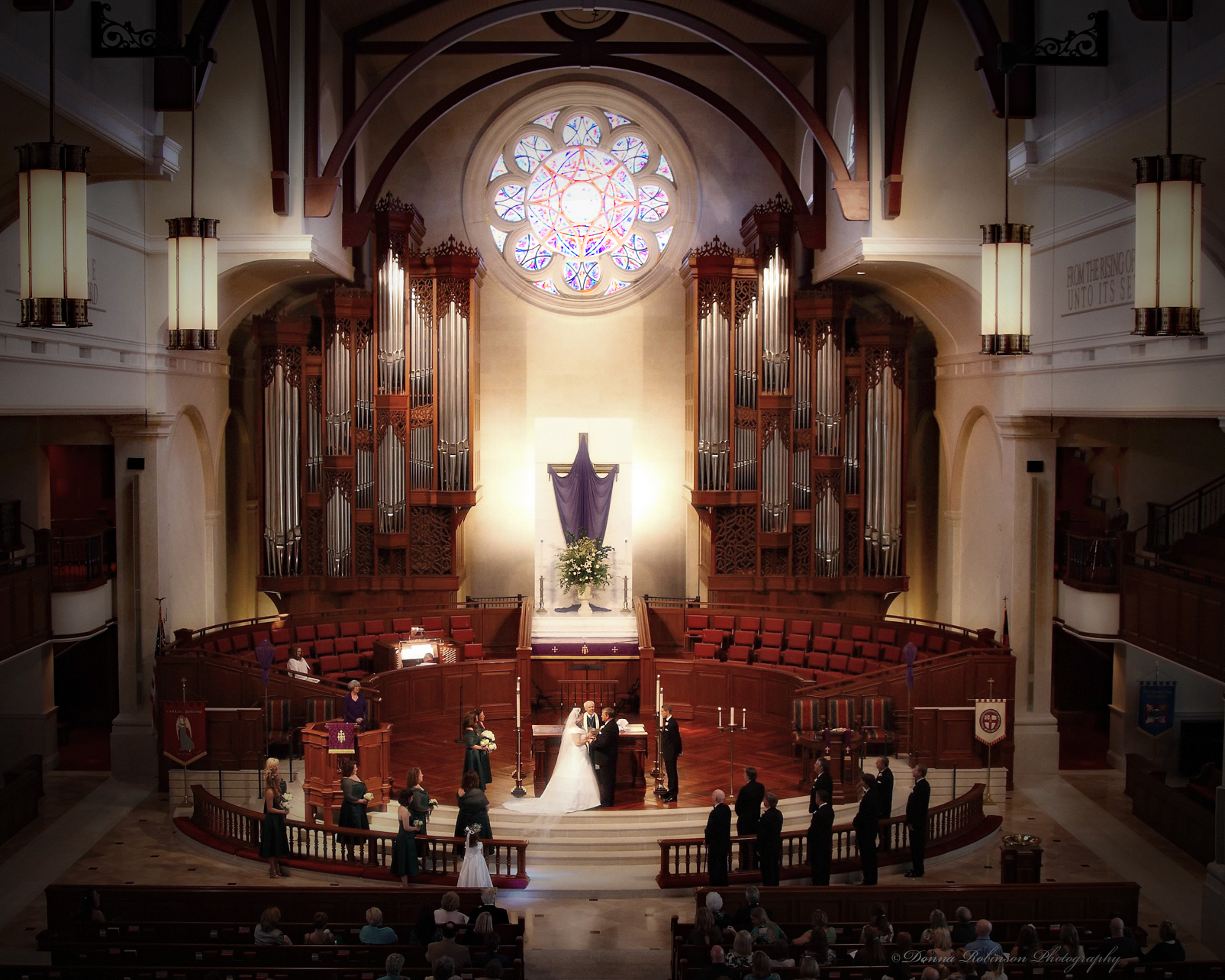
Talk about lighting, mood and the image being a snapshot of a wider situation. This wedding image has always been one of my favorite shots from this particular ceremony. I wasn’t allowed to bring my camera into the sanctuary during the actual ceremony, so my assistant and I went up into the balcony. I’m so thankful we were banned from the sanctuary because I wouldn’t have been able to get this special shot. How many movies have you seen with “cathedral style” weddings?
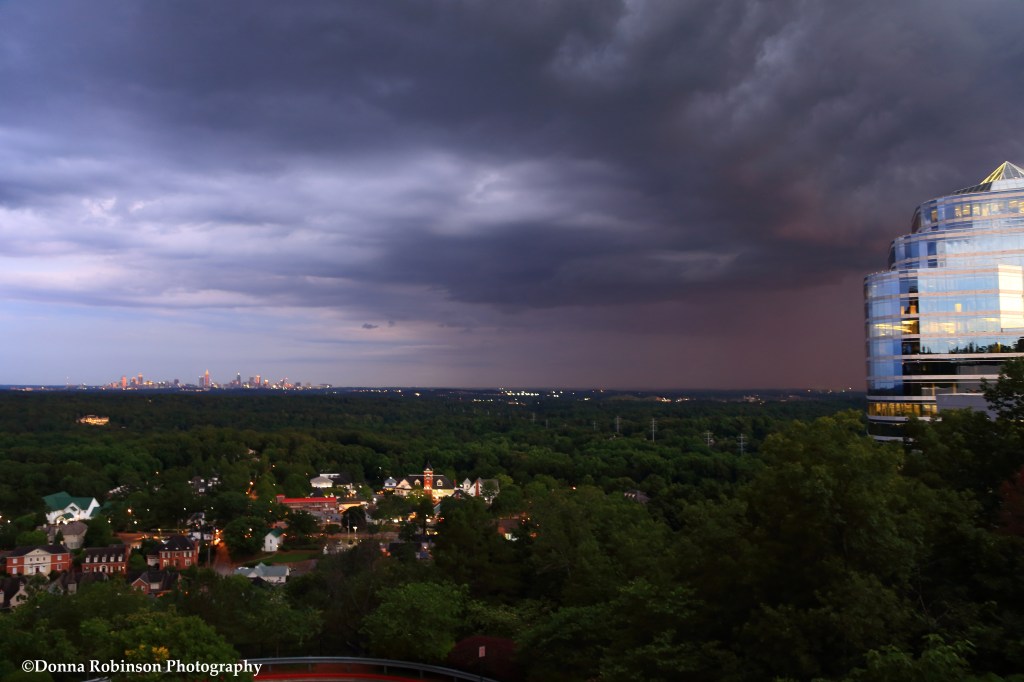
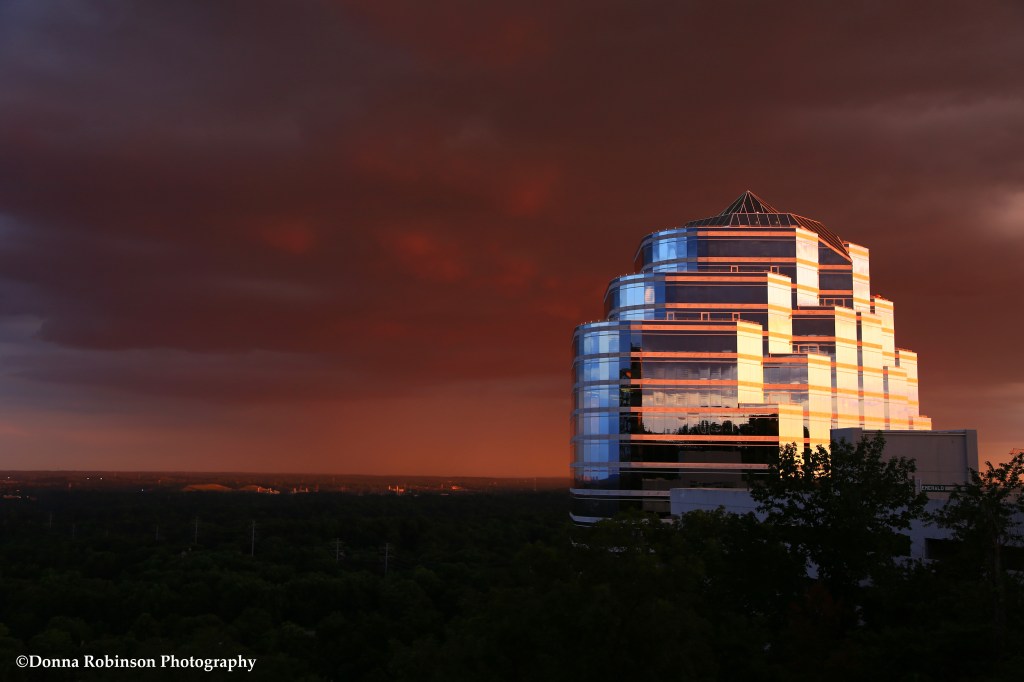
My closing few shots takes us back to downtown Atlanta. Our views of the storms that rolled through the city were amazing. Anyone of these could have easily come from a movie where a storm was integral to the storyline; lightning strikes, rolling rain clouds, showers in the distance at dawn. Each offering up its own “ominous mood.”


So, how did I do? I know one thing for sure, I will definitely be thinking about “cinematic feel” in my photos going forward.
Until next time,
~donna

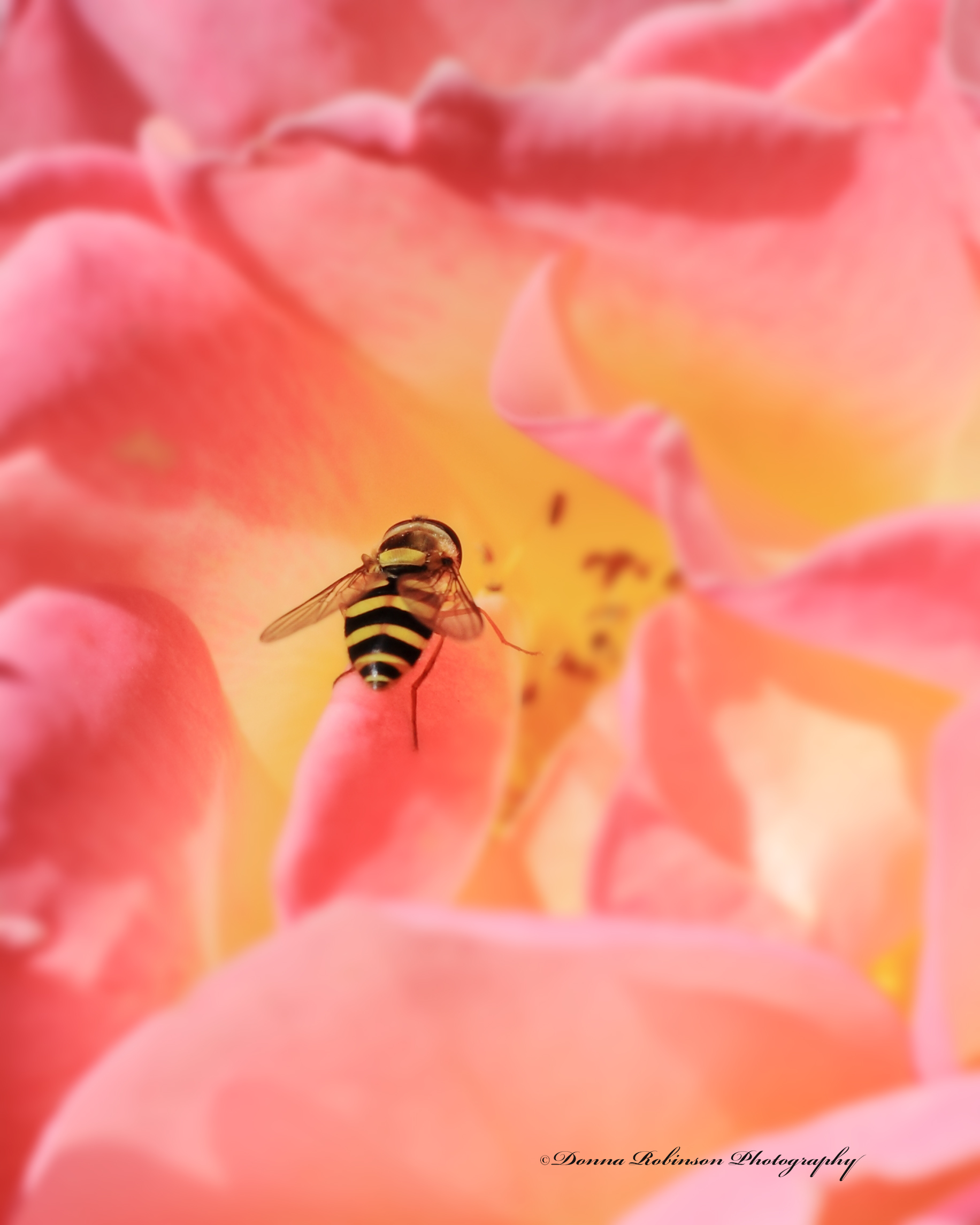
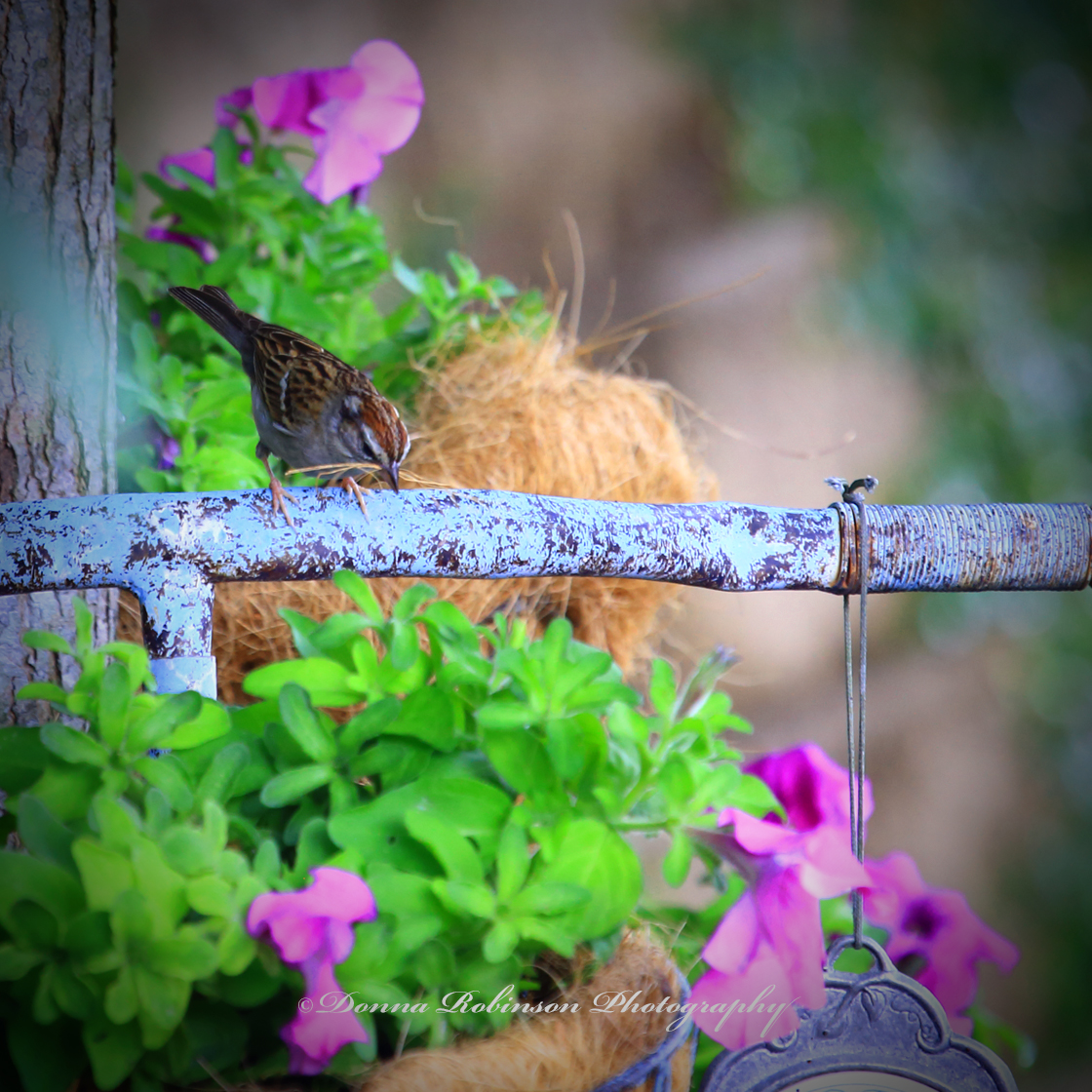
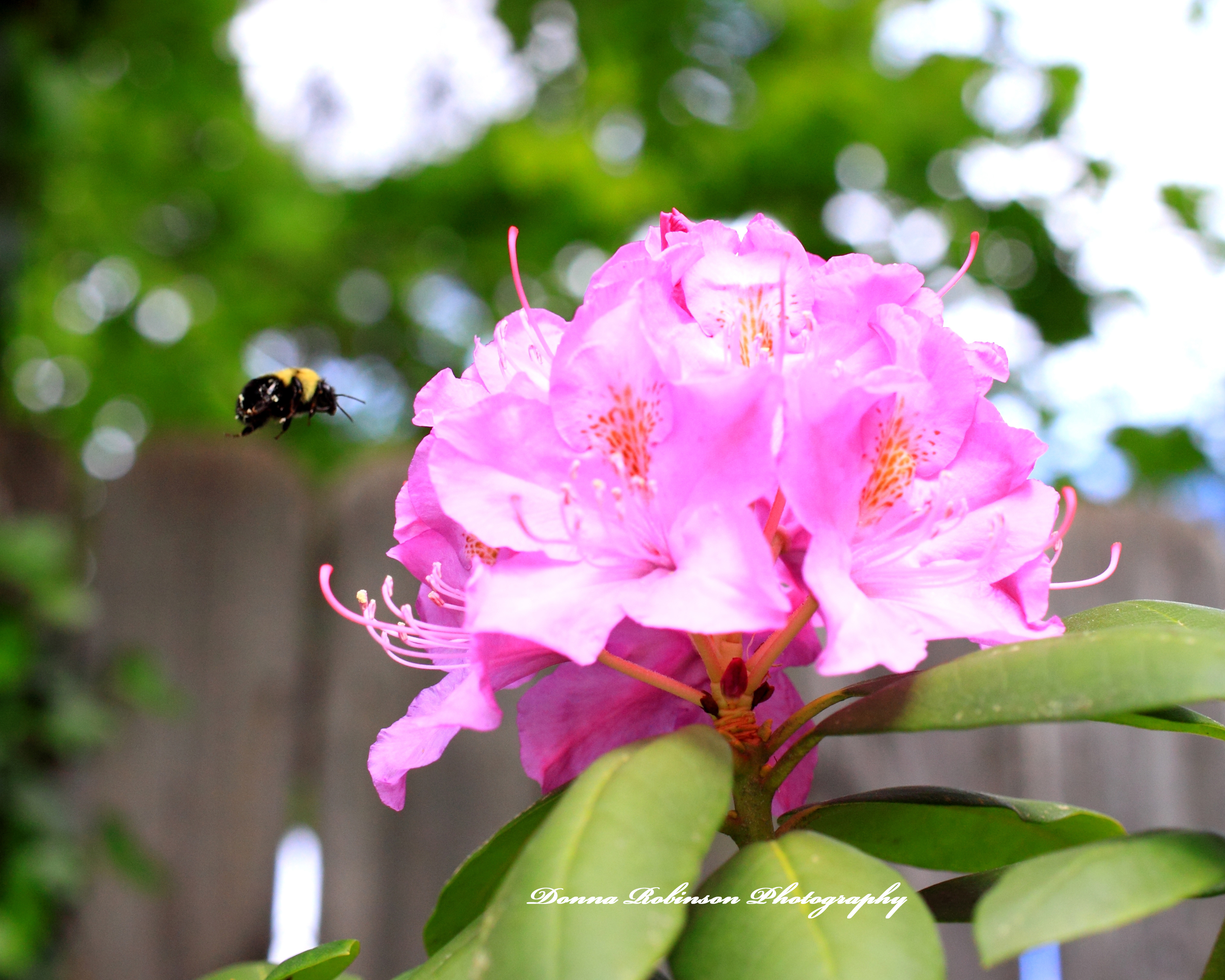
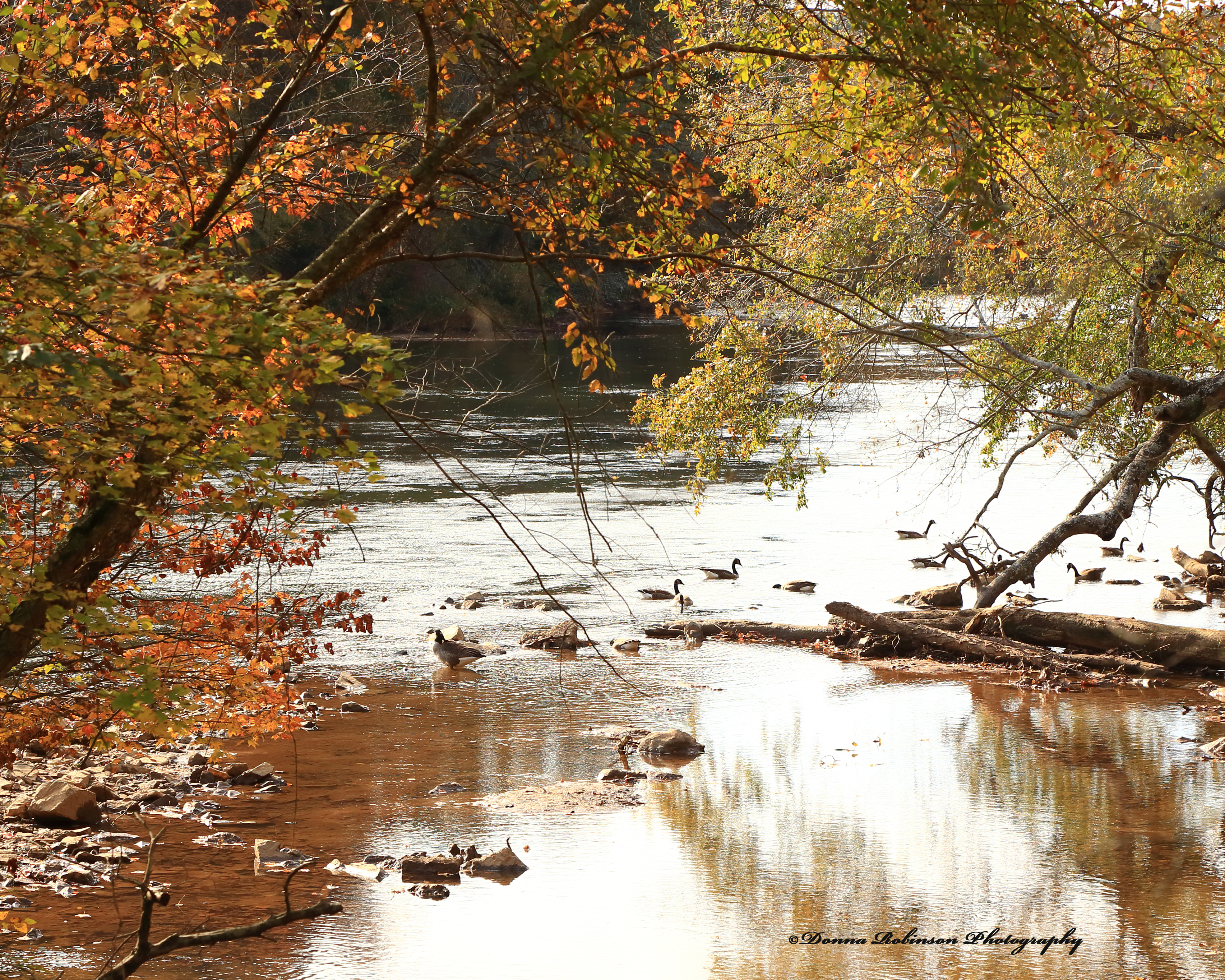
It’s a new week of the Lens Artist Challenge and John from Travels with JohnBo has us sharing our “Go to Places” for photography (you can read John’s original post here). It’s a wonderful theme and one that I didn’t have to think too much about, because really any place I have my camera becomes my “go to place.” But specifically, my “go to place” is anywhere I can be outside connecting with nature.
It can be in a garden enjoying the blooms and color while watching the birds and insects gathering food and nectar:


It can be a walk in the park on a Fall Day enjoying the crisp air and changing colors of the leaves:

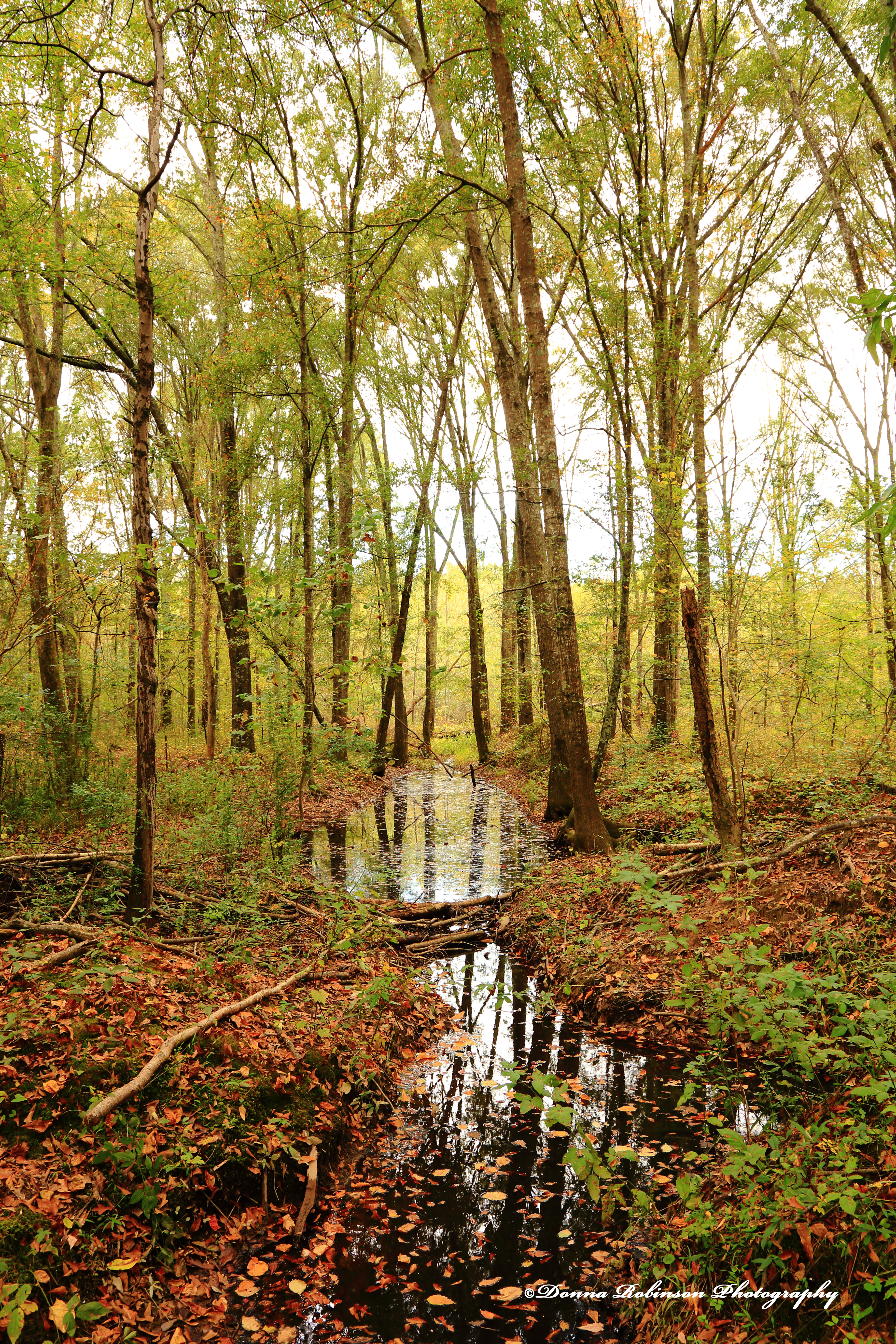
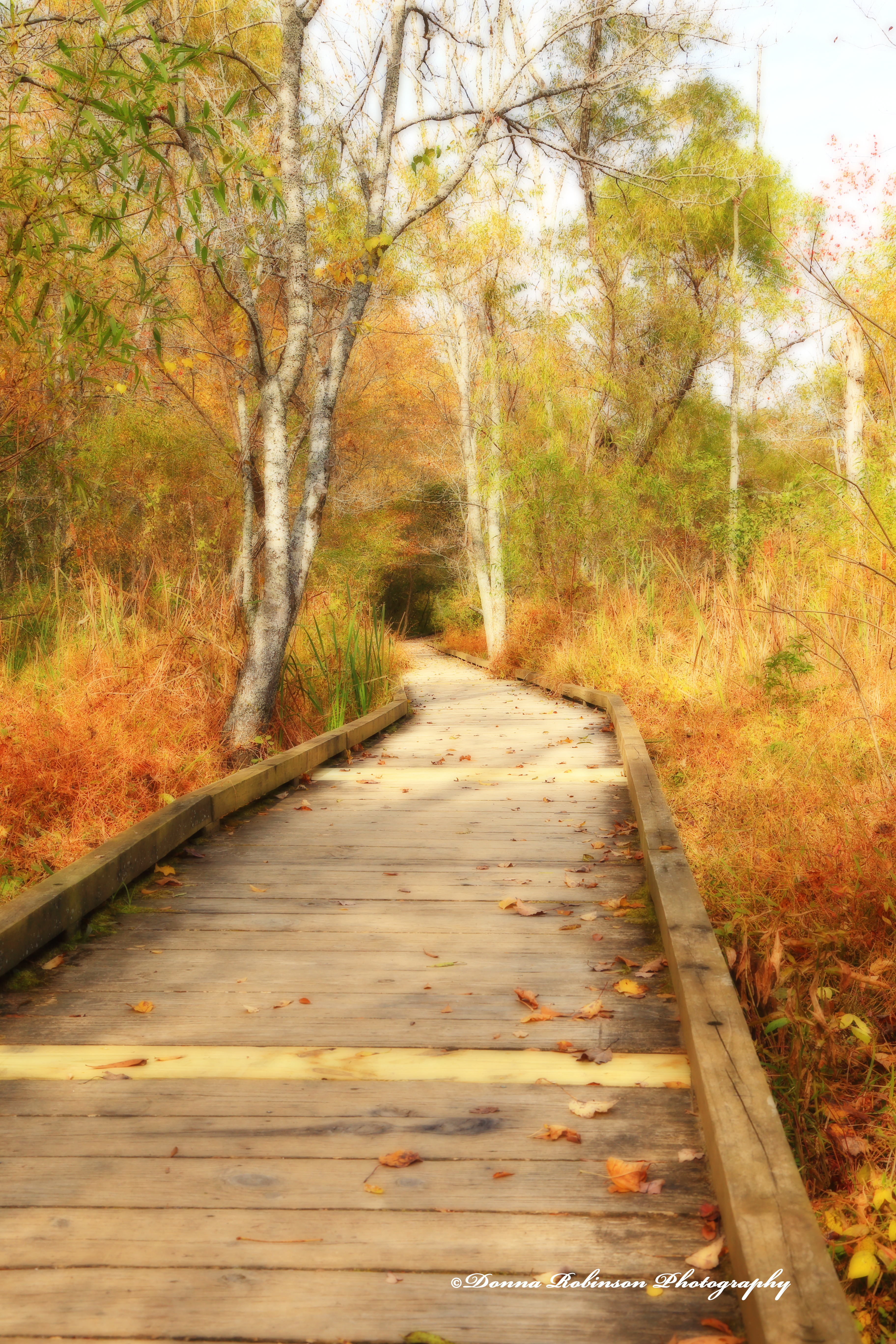
Or walks along the beach taking in the salt air and ocean breezes.


So where is your “Go to Place” when you need inspiration?
Many thanks to John for this wonderful challenge. Next week, Sofia will host. Be sure to follow her here so you don’t miss her post, which will go live next Saturday at noon Eastern time.
Until next time.
~donna
Well, Anne sent me heading down a rabbit hole this week. A rabbit hole that almost had me on a point of no return. A rabbit hole that had me traveling back in time twenty (20) plus years. A rabbit hole full of memories and painstaking regrets of not being more organized with my photos. Nonetheless, I somehow managed to pull myself up out of the hole and focus on the challenge at hand!
This week Anne challenges us to think about abandonment in photography. You can read her full post here. I doubt there is a single photographer who isn’t drawn to “things” or “properties” that are abandoned. Afterall, photographers are curious by nature, always looking for the next photo and always looking to tell (or create a story) with their images.
Take for instance this abandoned train car, Michael and I stumbled upon in Hartwell, SC. Why it’s there I have no idea, but as I wandered around it, I couldn’t help but to think about the many passengers who traveled on this car. Who were they? Where were they going? How long had they been traveling? Why was the train left on the tracks in the middle of a field? So many questions to be answered.


Sometimes, we stumble upon unfortunate, temporary circumstances of abandonment. Take his mail carrier, who abandoned his vehicle in the midst of an unexpected Atlanta ice storm. Looks like he decided to heck with the postman’s motto “Neither snow nor rain nor heat nor gloom of night stays these couriers from the swift completion of their appointed rounds.” But there are still questions like “Where did he go?” “What happened to the mail left unattended?” I guess I can’t blame this postal carrier too much. Ice in Atlanta is not a force to be messed with.

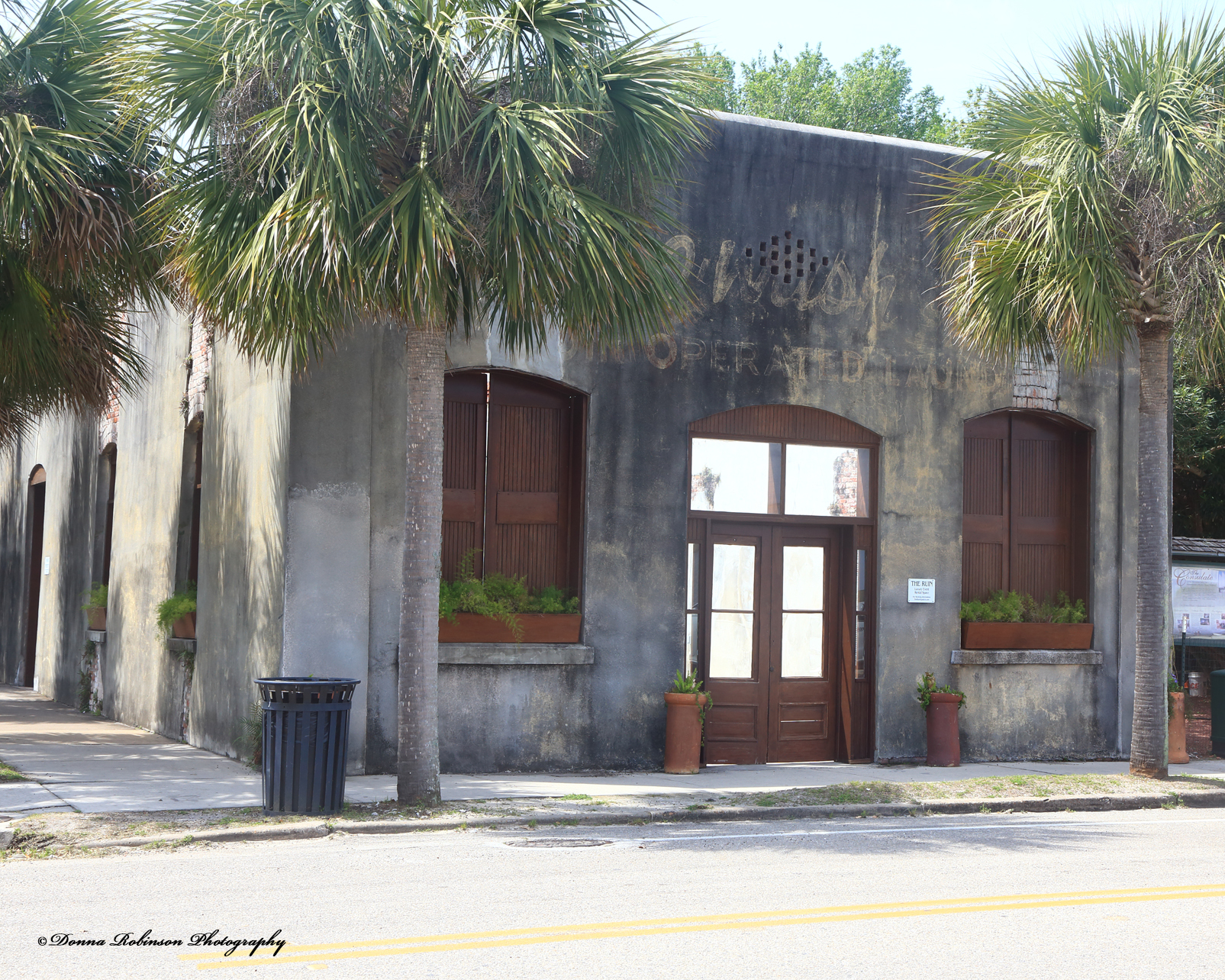
Other times, new life is breathed into the old and abandoned when communities find a way to repurpose them while preserving their original characteristics and a little bit of their history. Whether an old mill or laundry center like the photos below, you can’t help but wonder who the people were that filled these places so many years ago. What was life like during their respective time periods?

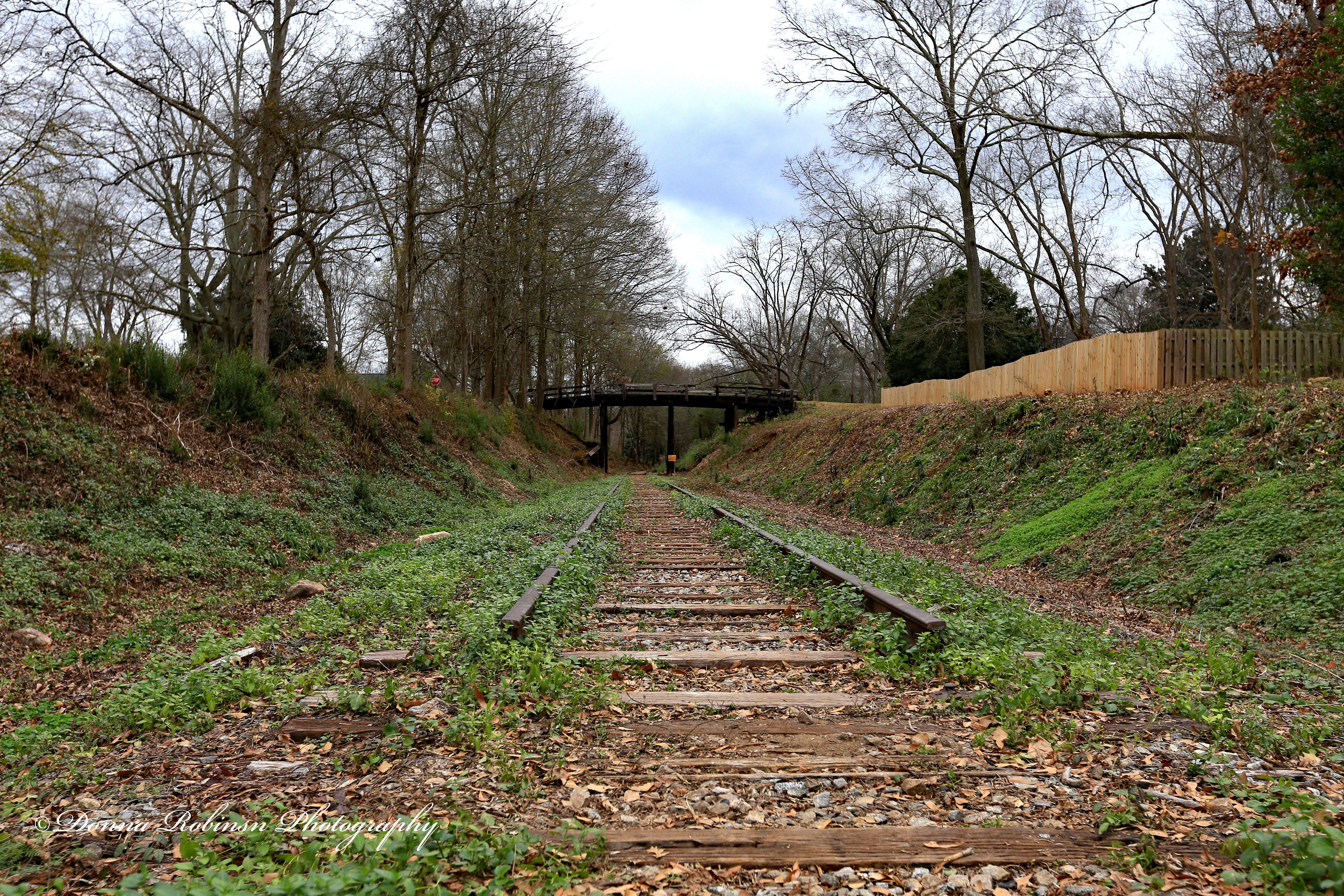
Oftentimes, abandoned places offer up great photography backdrops like the one below. Can’t you just imagine this as a backdrop for senior portraits or perhaps a movie setting? Located in the small town of Senoia, Georgia I took this photo of abandoned railroad tracks thirteen (13) years ago on one of our day trips. Little did I know at the time we would one day call this home. I’m still learning about all the history of this small town and I’m hopeful one day I’ll be able to uncover the story behind these abandoned tracks.
Thank you, Anne for this wonderful challenge and trip down memory lane. It was fun to scroll through many forgotten images and revisit days gone by. For those of you who would like to join in on this challenge, be sure to link to Anne’s post in the “comments” section and also use the Lens-Artist tag.
Until next time!
~donna
Homesteading on a Blackberry Hilltop
The world as I see it
Fun, Photography & Friends
Nature and Travel Through Brazilian Eyes
Every Day is a Gift!
Retired and Enjoying Every Minute of It
Welcome to my creative corner! Here, I share my photos, travel stories, random thoughts, and a bit of myself.
Moving forward carrying grief
Random thoughts, life lessons, hopes and dreams
Historical Fiction Author
Live the best of your life every day
“Beauty can be seen in all things; seeing and composing the beauty is what separates the snapshot from the photograph.” Matt Hardy
To See a World in a Grain of Sand...
Wellness and Fitness Enthusiast
Teaching the art of composition for photography.
Creative Exploration in Words and Pictures
"Two roads diverged in a wood, and I— I took the one less traveled by, And that has made all the difference." The Road Not Taken, by Robert Frost
Capturing nature's peacefulness one photo at a time.
photography and life
Reflections on places traveled and photos taken.
Book reviews, photos, and more...
Seeking God's glory in the midst of mothering, marriage, and everything in between.
Expressing Thought Through Photography
✨✨Inspiring Poems, Articles, Pictures and much more!!! ✨✨
A Londoner and a San Diegan
Event Photography. Sony Alpha Shooter.
Louella Lester - Seeing and learning while holding camera and pen between me and the world.
capturing memories one moment at a time
Life is a Journey Not a Destination......You Are the Artist Paint What You Will
My experiences in Italy and the world
Photography Gives Me Insight Into The World Around Me
Green Plants Based Living, Gardening and Home Care
Welcome to Simons Blog where I like to share my favourite images with you
gardening enthusiast & amateur photographer
When you don't see your path, you can build one.
A travel documentary with my cat Callie!
Notes on Seeing, Reading & Writing, Living & Loving in The North
A Blog about Keepin it Simple
New Zealand
...whatever is lovely, whatever is admirable — if anything is excellent or praiseworthy, think on these things. Phil. 4:8
Traveller, photography
I'm Emily, a female biker who loves to travel, drink coffee and pet dogs.

