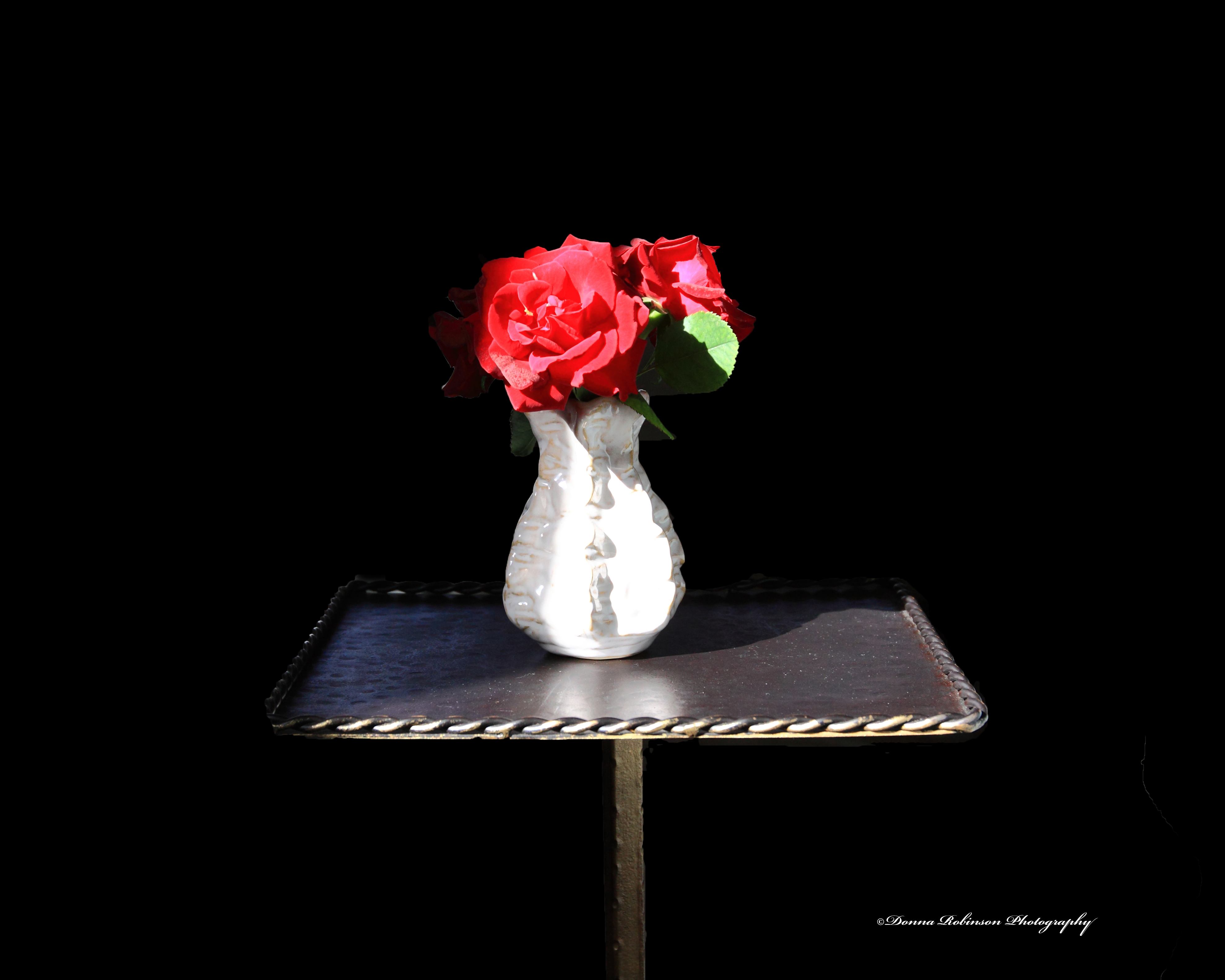
Day 6 – Macro Photography. This was a little challenging getting just the right shot. I won’t even tell you how many images I took today. But, then again, that’s what this challenge is about, patience and practice.
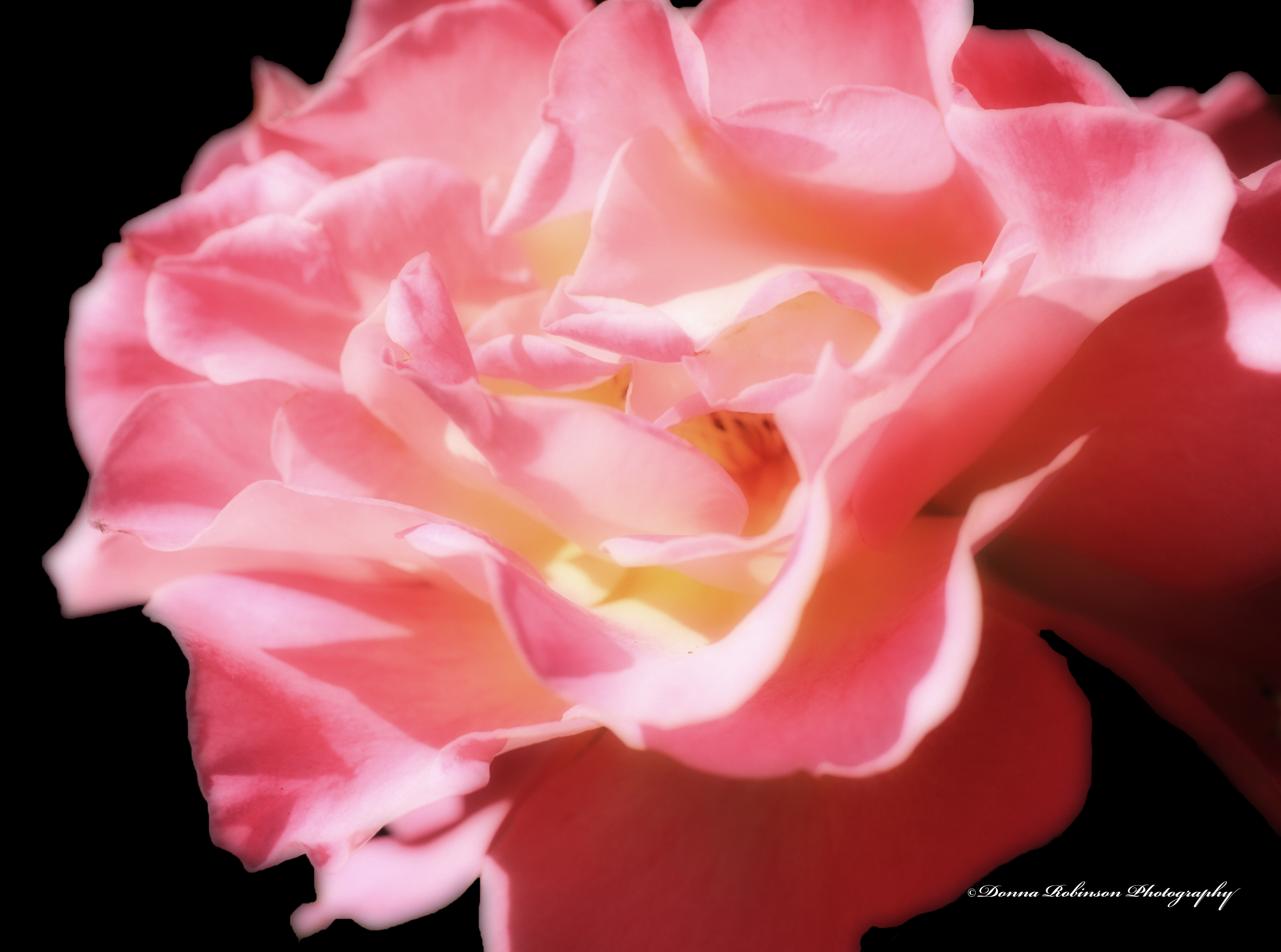
When I brought it into Photoshop elements, I cropped it slightly, changed the background to black and applied the Orton Effect. I could probably go back in and clean up some of the edges a little more, but overall, I’m happy with the results.
Field Notes: Focal Length – 35mm; Exposure 1/85 sec; f32; ISO 1250
This week’s Lens Artist Challenge, hosted by John, leads us down the path of examining how we edit our photos. As photographers we don’t just take a photo of what we see with our eyes, but oftentimes we take photos of what we see the end result to be. Are you with me?
I haven’t had much time behind the lens lately, so instead of going back through my library of images, I decided to get outside in our garden. I mean, what better way to share my before and after process than taking pictures in real time?!? So, here it goes.
Each of my examples were shot in RAW and first brought into the Canon Digital Professional Editing tool. There I could more accurately adjust the white balance and any other lighting/color tweaks. I’m sure I could do the same in Photoshop, but it’s what has worked for me over the years. Why fix what isn’t broke, right? I then brought all images into Photoshop to crop, make a few more minor color adjustments and apply copyright information.
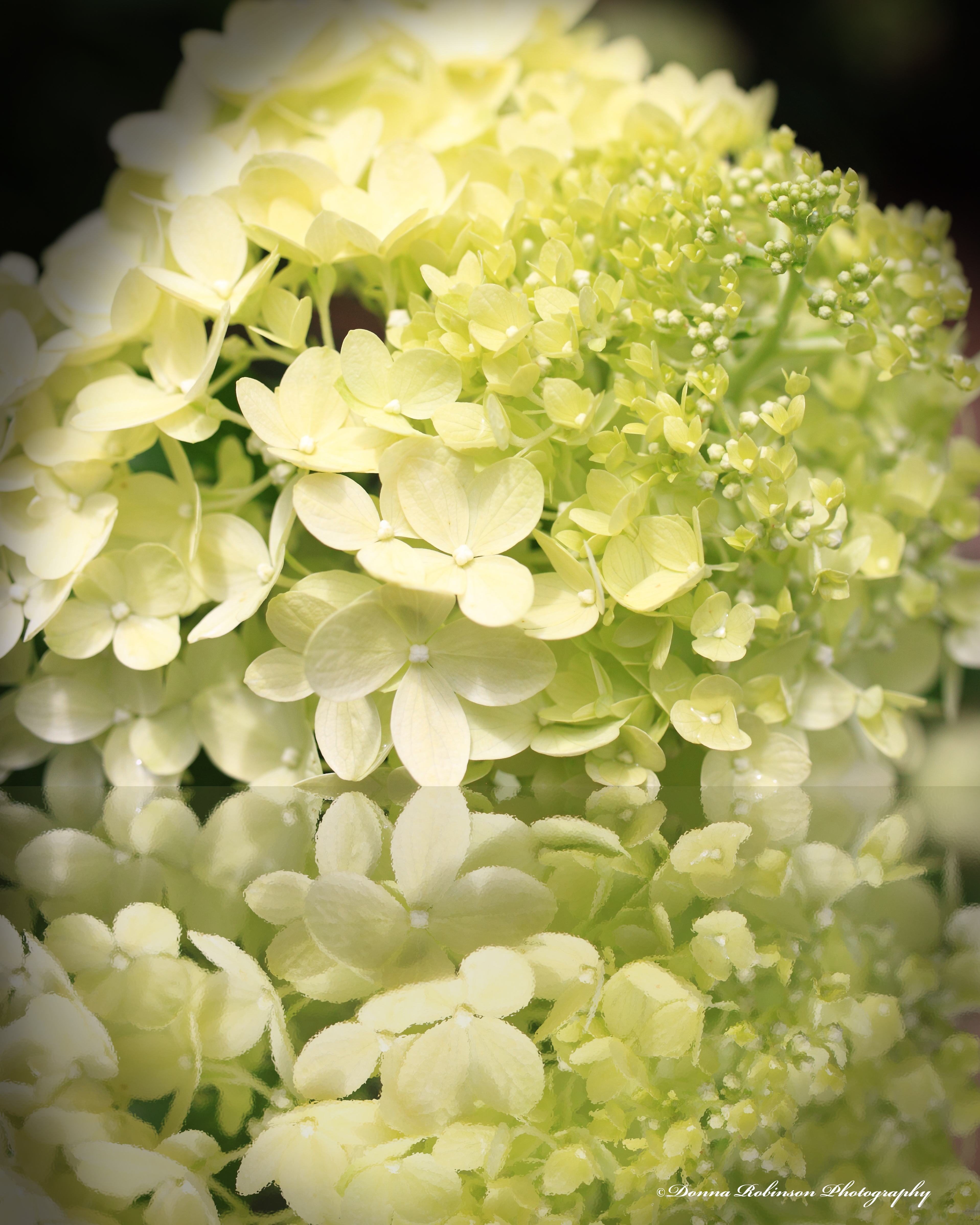
Up first is one our many hydrangea shrubs. They are covered with buds this year and I’m excited to see their blooms come in. The top photo is my before shot to me it was just a little too much on the yellow green side.
In the Digital Professional editing tool, I warmed up the white balance with the temperature control and then I moved up the contrast slide a few notches and voila! The leaves are a much richer, deeper green with better definition of the veins on the leaves. Once I pulled it into Photoshop, I cropped it in to bring more focus to the cluster of buds.
Next up was our Dogwood tree. It has really given us a wonderful show of blossoms this year. I was almost a little too late in taking photos. Thankfully, I managed to get a few shots in before the next round of wind and rain blew more off the tree.
Here’s my first shot. I was using my macro lens to capture the detail of the flowers. Unfortunately, the sun was moving in and out of the clouds and I was having a hard time keeping my settings straight. Also, the wind caused a major battle in getting a sharp imagine. But, of all the images, this was the one which closely matched what I was envisioning.
In my after shot, I really like how the white balance temperature setting warmed up the darker tones of the petals and flowers. I was also able to brighten it up a little without blowing out the detail. Because I had done all the tweaking in the Digital Professional Editing tool, I only needed to crop it slightly once I brought it into Photoshop.
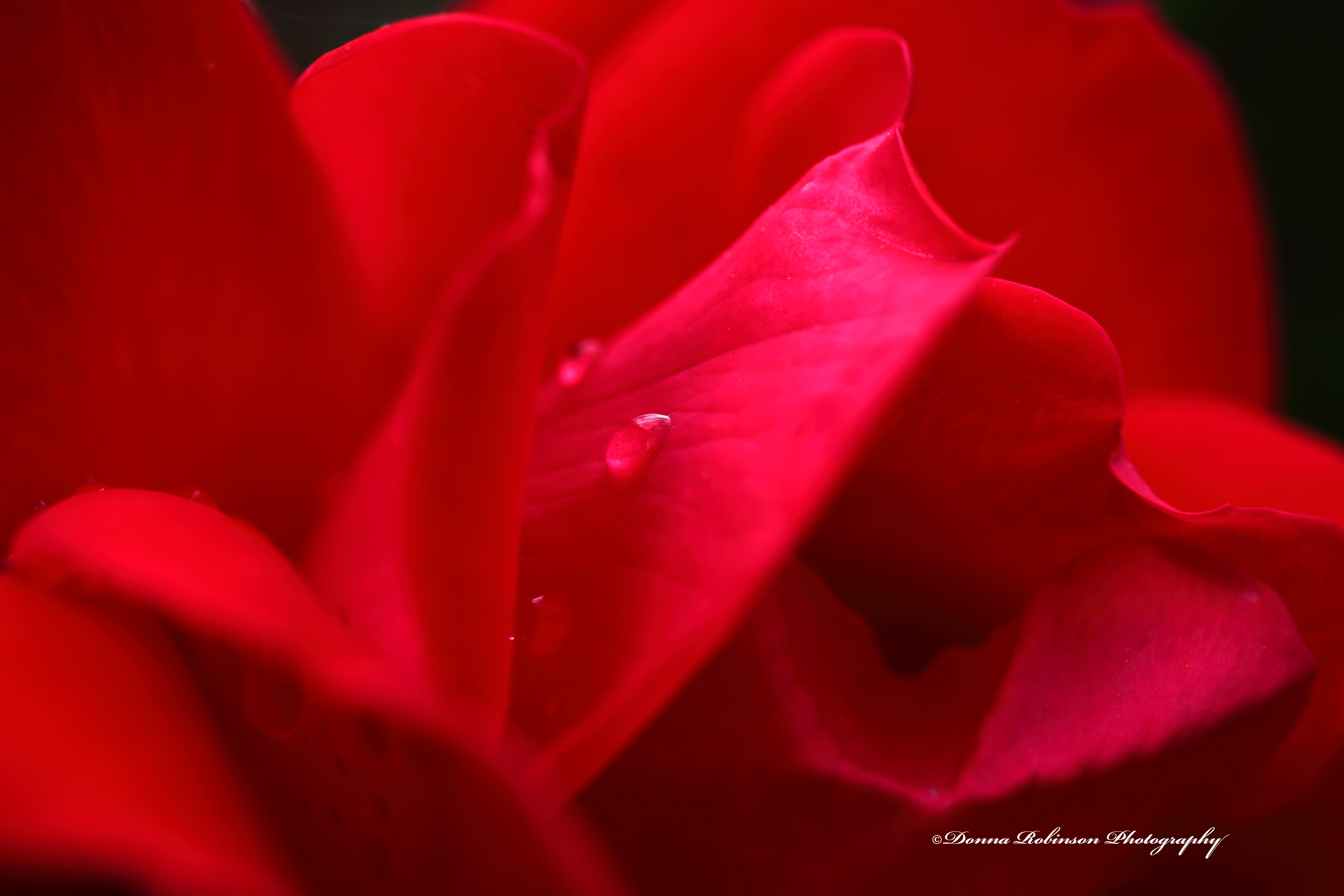
Last up in my garden tour is this rosebud. Once again, the sun and the wind were wreaking havoc on the shot (it’s a red rose, not a pink rose). Still using my macro lens, I wanted to get a better shot of one of the water droplets. That just didn’t work so I settled on a wider perspective of the various curves of the bloom.
Editing was a little challenging because to me the highlights were washing out the petals. But then I found an edit button “Linear” just under the “Contrast,” “Highlights,” and “Shadows” buttons. And just like that the entire image transformed into a beautiful red rosebud. Plus, the water droplet stands out!
But the highlight was still distracting to me. So, I went into the RGB tab and tweaked each individual color. Much better, but now it’s a little too dark.
One last little tweak and here’s the final image.
I hope you enjoyed my little tour of our garden and how I process my photos. It was nice to get outside and back behind the lens. Thank you, John for this week’s challenge.
Next week, Donna of Wind Kisses will host the challenge. You can also find more information here if you want to join the fun.
In an effort to get in some “photo-therapy” I decided to pull out my macro lens and wander around our backyard for inspiration. It’s Fall here in Atlanta so there’s not too much blooming. But, nonetheless, there is ALWAYS something to photograph in a backyard.
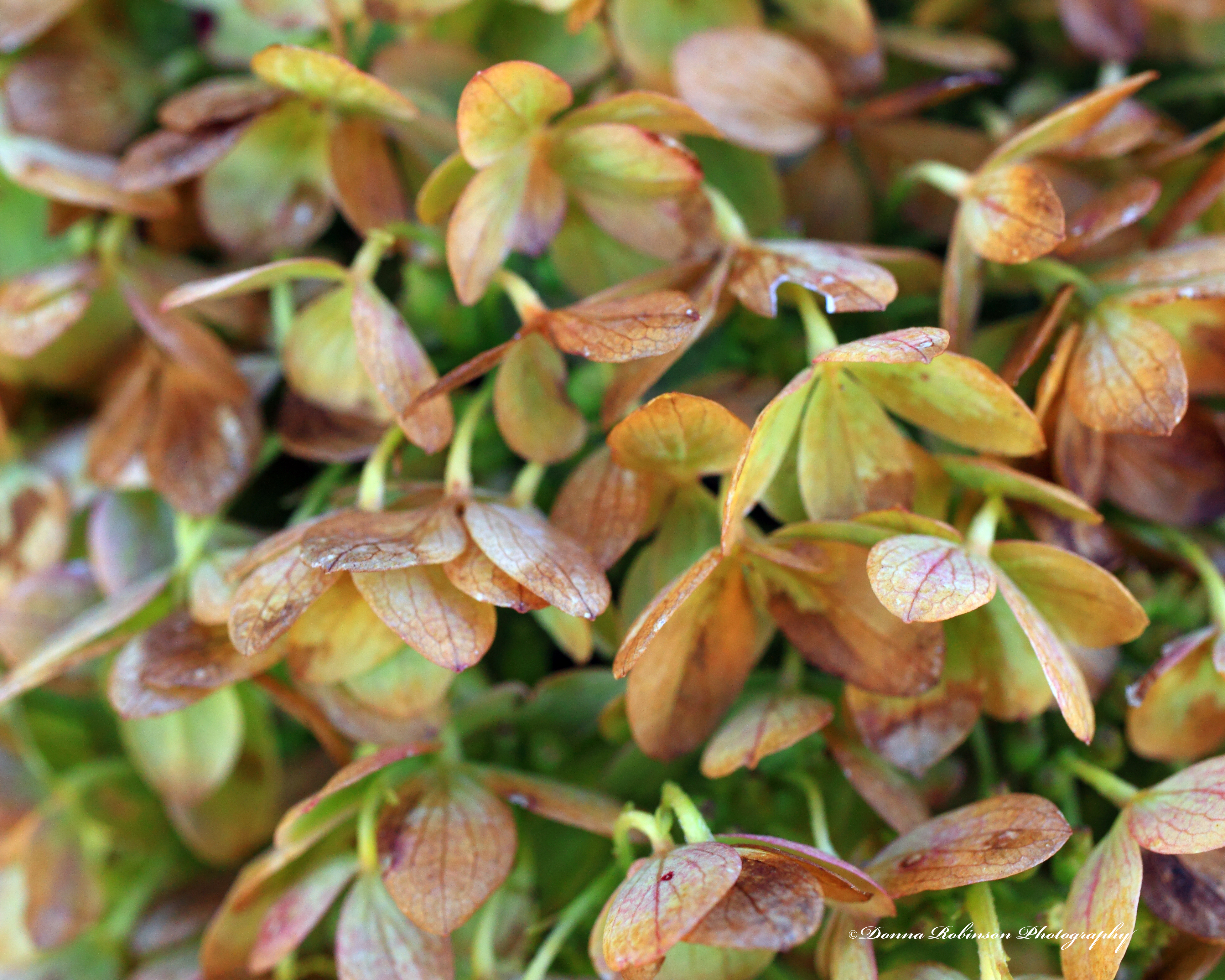
Take for instance, the faded blooms off a hydrangea bush. They are truly beautiful in their own way.
And you certainly can’t deny the beauty of this pink rose. This is the only rose bush that has performed well for us this year.
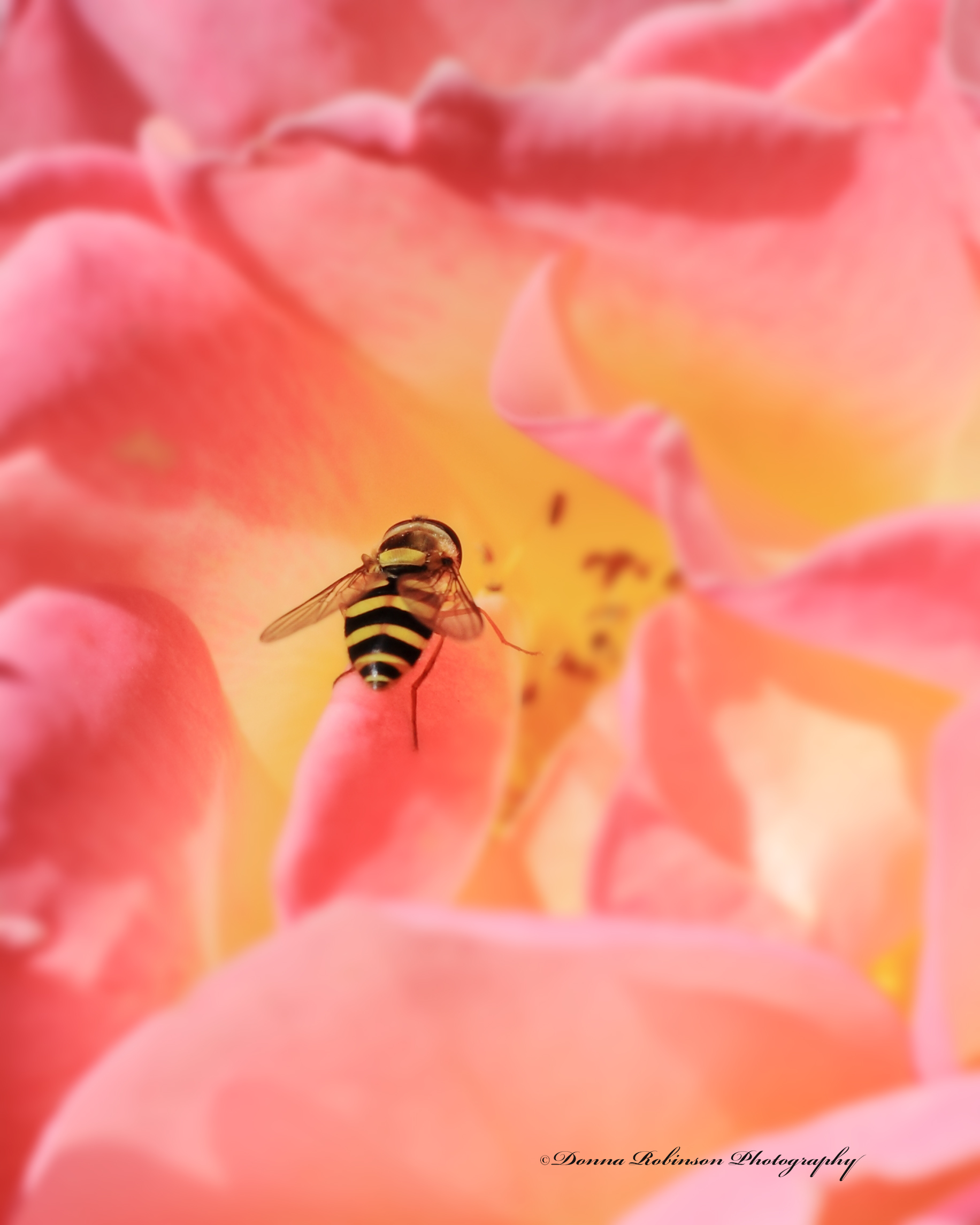
And Mother Nature gave me a bonus while shooting the pink rose. This little fella decided to get into the picture, too!
I enjoyed getting back out with the Macro lens and also working with the images in Photoshop Elements to enhance their colors and bring out their features.
The fall colors are beautiful and are falling rapidly. So, who knows, I may just have to get back out there for a little more “photo-therapy.” Stay tuned!







 Donna Robinson Photography